Google Cloud has introduced a new Gemini agent for work that is designed to handle outcomes rather than only answer questions. The agent can use tools, connect to business systems, choose among models, keep context across long-running work and operate inside Google Workspace and other work surfaces. Google also announced controls for identity, permissions, auditing, sandboxing and spend limits. The result is a move from a chatbot model toward a managed enterprise agent.
What Google announced on October 8
At Gemini at Work 2026, Google Cloud announced a universal Gemini agent for work. Google says it can answer questions, handle knowledge work, create images and media, and write and run code through a single agent and API.
The agent can work across web, mobile and desktop surfaces and can also connect with Workspace, Microsoft 365, Slack and other applications. Google says it can run work in the cloud after a user closes a laptop.
How the Gemini agent works
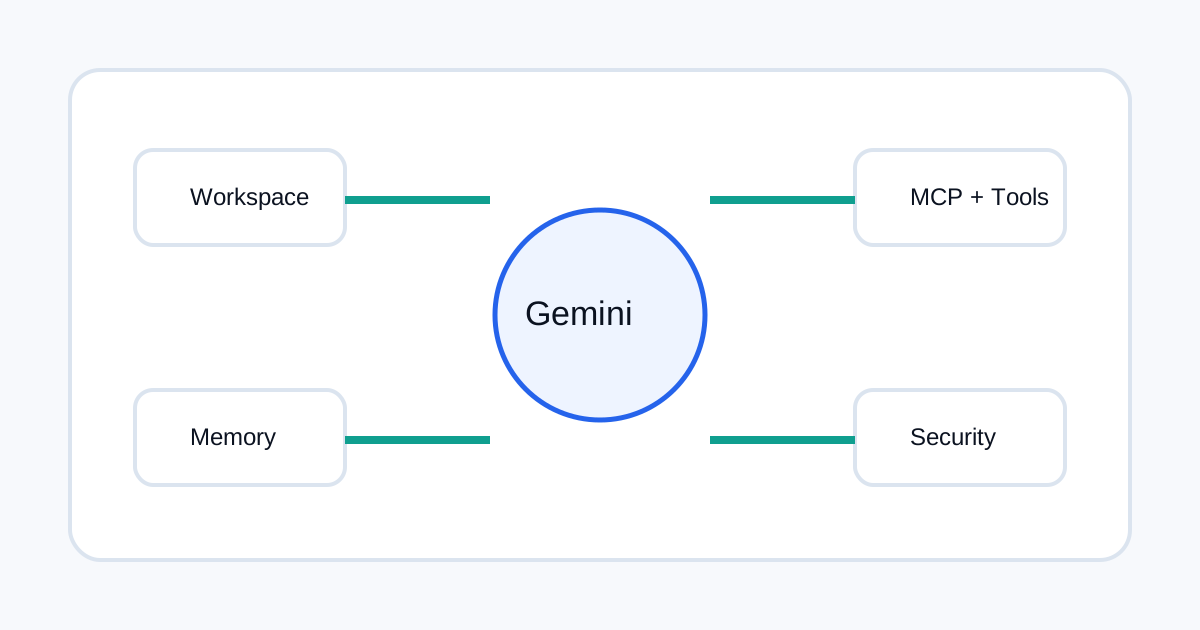
Google describes the system around several ideas: a unified agent, persistent execution, multi-agent orchestration, shared context and flexible model choice. A task can be delegated as an objective, after which Gemini can choose skills and tools and coordinate smaller agents for different parts of the job.
Google also says the model underneath the agent is separate from the agent itself. Gemini can route work across its own model family and Claude models from Anthropic, with other models planned for the future.
Why skills, tools and memory matter
The agent is only useful when it can reach the information and systems required to finish a task. Google says Gemini can connect to tools such as Git, Jira, Salesforce, ServiceNow, BigQuery, Databricks, Postgres and Snowflake, as well as MCP servers.
Google also describes reusable skills as modular instructions and workflows. Memory is split into session, semantic, procedural and episodic forms. That design is meant to reduce the need to re-explain long-running work.
How Google says enterprise agents are governed
Google says every agent receives an identity and can be given fine-grained permissions. Actions are recorded in an audit trail and run inside an Agent Sandbox. Agent Gateway is described as a policy layer for traffic between agents and external systems.
For security teams, this is important because the model should not be the only security boundary. A production agent needs identity, access rules, logs, network controls and a way to stop or review sensitive actions.
Cost controls are part of the product
Google announced multi-model orchestration, Smart Routing and real-time spend caps. The spend cap can pause an agent when a project reaches its configured limit. This is useful for teams running agents that may make many model or sandbox calls during long tasks.
The practical point is that agent cost is not just the token price of one model. It can include model routing, tool calls, code execution, storage and retries. Budget controls therefore belong in the same operational plan as permissions.
Where the Gemini agent can fit
- Research teams can delegate source gathering and document preparation.
- Marketing teams can connect campaign data, documents and reporting workflows.
- Engineering teams can combine code generation with repositories, issue trackers and testing tools.
- Operations teams can use persistent agents for recurring data and workflow tasks.
The strongest use cases are tasks where the expected outcome is clear and the connected systems already have reliable permissions and data.
What remains unclear
Google's announcement describes a broad platform, but not every capability has the same release status. Some industry-specific features are in preview, and enterprise availability, pricing and connector behavior can vary. Teams should confirm the exact service, region, plan and control set before production deployment.
Do not treat Google's customer examples as independent performance benchmarks. They are company-reported results and should be evaluated against your own workflow.