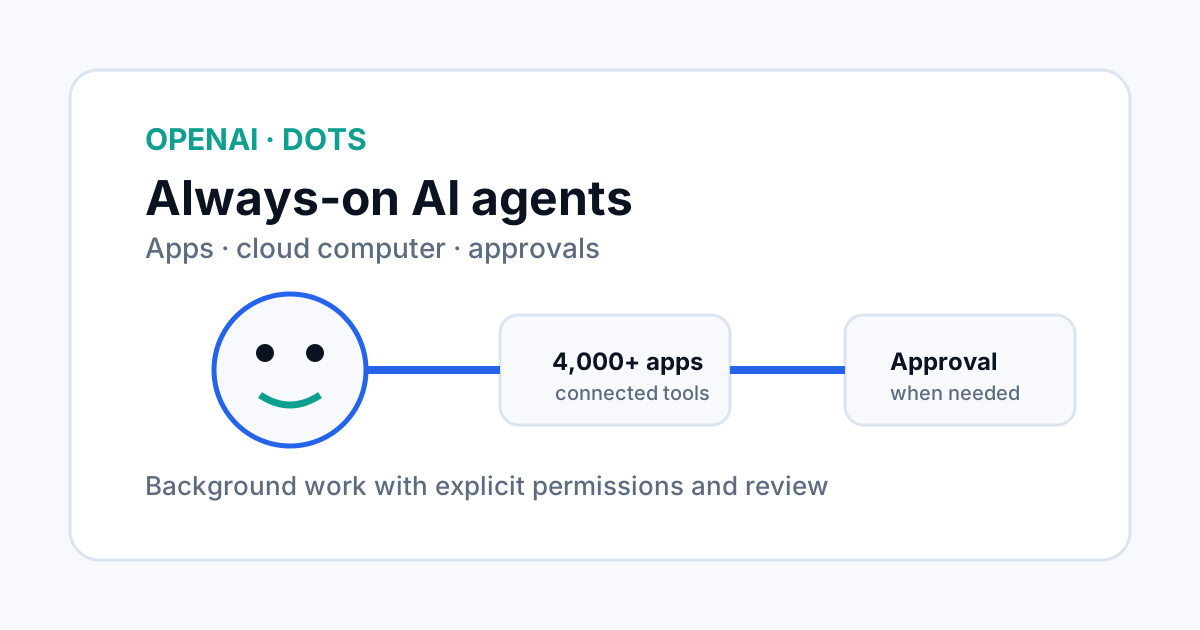
OpenAI introduced Dots on September 29, 2026: always-on agents designed to work in the background rather than waiting for a single prompt. OpenAI says Dots run on their own cloud computer, can connect to more than 4,000 apps through its plugin ecosystem, and can be reached through ChatGPT, Slack and Teams.
What makes a Dot different from a normal chatbot
A normal chatbot usually waits for a message and then produces a response. OpenAI describes Dots as agents that can keep working toward a goal, check connected information and return with progress, questions or decisions that need approval.
The difference is continuity. A Dot has a cloud computer of its own and can keep working even when the person who started the task is not actively using the chat. OpenAI calls one background mode “proactive research,” where the Dot uses connected read-only tools to look for useful updates.
How Dots connect to work apps
OpenAI says Dots can be reached through ChatGPT and can also communicate in Slack and Teams. A user can move between channels while the Dot retains the project's context. The company also describes a plugin ecosystem that can connect Dots to more than 4,000 apps.
That integration model is important because an agent becomes more useful when it can act on the information that teams already use. It also increases the need for careful permissions. An agent that can read from many systems can create a larger impact when a wrong assumption is repeated across those systems.
Permissions and approval are core features
OpenAI says users choose which apps a Dot can access through existing ChatGPT controls. Custom Rules can allow specific actions, require approval or block them. Built-in safety requirements still apply.
The company also says a Dot can use saved passwords for supported websites without exposing those passwords to the model. That does not remove the need for access reviews. Teams should still decide which sites and actions an agent is allowed to use and which actions must always be approved by a person.
What happens when the agent works in the background
| Stage | Typical agent behavior | Human control |
|---|---|---|
| Setup | Choose the Dot, project and connected apps. | Set boundaries and permissions. |
| Background work | Research, inspect information and prepare actions. | Monitor progress and redirect when needed. |
| External action | Draft or perform an allowed action. | Approve actions that require confirmation. |
| Review | Return results, notes and open decisions. | Check the evidence before important commitments. |
This is closer to an operations system than a chat window. The agent has state, tools and permission boundaries, so the surrounding controls become as important as the model.
Why the cloud computer matters
OpenAI says each Dot has its own cloud computer, keeping the user's personal computer and its contents separate unless the user chooses to connect them. That design can reduce the need for an agent to control a primary desktop directly.
The isolation is useful, but it should not be treated as a full security guarantee. The real question is what systems the cloud computer can reach, what credentials it can use, and what actions those credentials can perform.
Practical use cases for an SEO team
A marketing or SEO team could use an agent pattern like Dots for recurring research: watch incoming interview transcripts, identify material for clips, draft show notes, prepare social copy, or keep a project brief current as new information arrives.
The safe pattern is to separate read, draft and publish privileges. Reading source material can be automated more broadly. Publishing, sending external messages, changing a live website or spending money should use tighter rules and explicit approval.
Availability and rollout
OpenAI says Dots are rolling out to Pro and Business Premium users in eligible markets, with Enterprise, Edu and Healthcare users able to try the beta when workspace administrators enable it. The first Dot is included in the stated Pro or Business Premium plan.
Because the product is rolling out gradually, availability can vary by account and market. Teams should also verify which app connections and actions are supported in their workspace before designing a production workflow around them.
Frequently asked questions
What is an OpenAI Dot?
A Dot is an always-on AI agent designed to continue working toward a user's goals using connected apps and its own cloud computer.
Can Dots work without an active chat session?
Yes. OpenAI describes background work and proactive research, where a Dot can continue tasks outside an active conversation under its permission and safety controls.
Can Dots send messages or change apps?
They can perform permitted actions, but OpenAI says users control app access and can require approval for specific actions. Background proactive research uses restricted read-only tools.