Canonical URL: What It Is, How It Works and How to Fix Errors
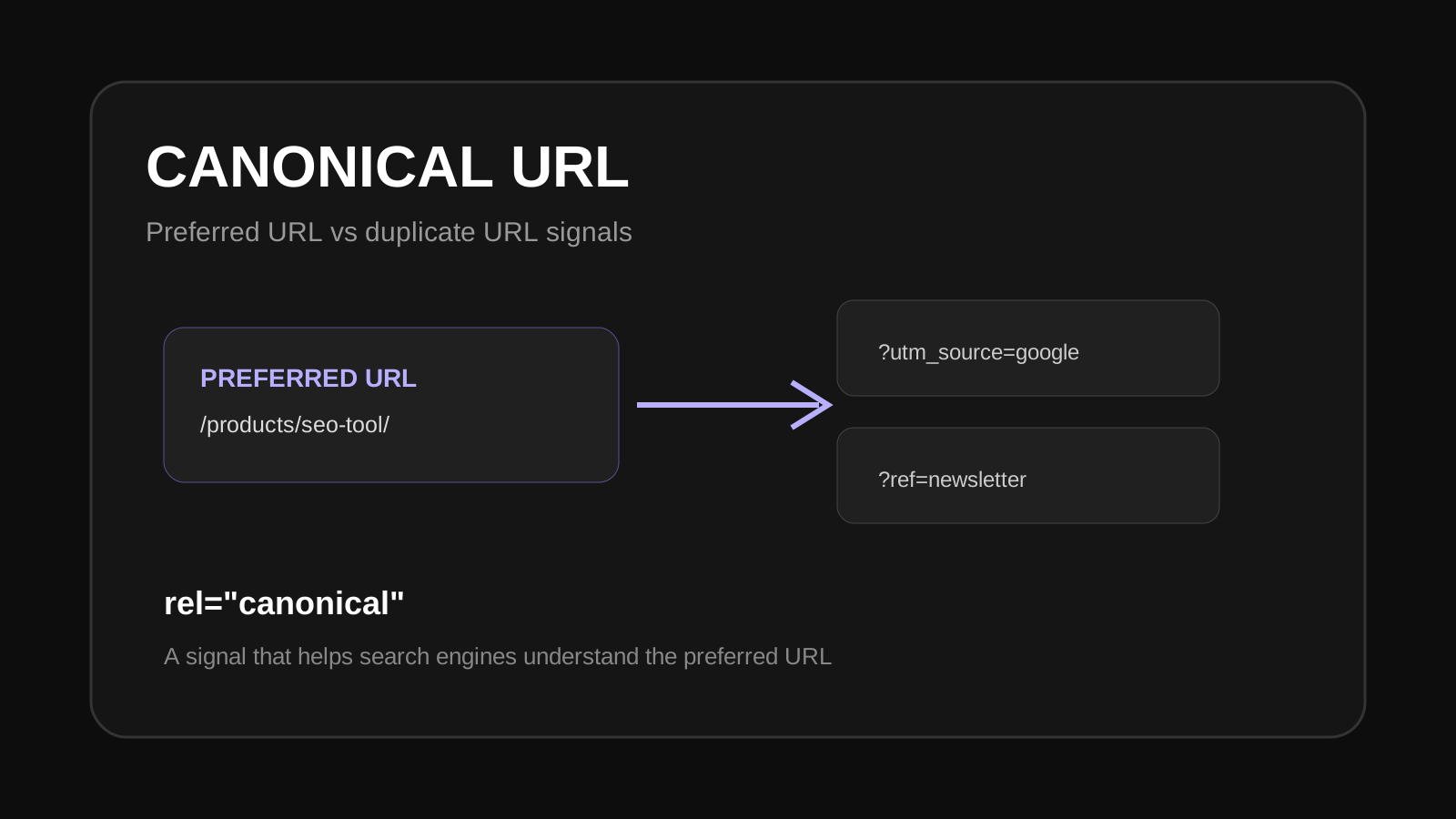
A canonical URL tells search engines which URL is the preferred version of a set of duplicate or very similar pages. It is a useful signal for controlling URL duplication, but it is not a command that guarantees a particular URL will be selected.
<link rel="canonical" href="https://example.com/page/">.What is a canonical URL?
A canonical URL is the URL you want search engines to treat as the main version of a page. Websites can create multiple URLs for similar content through parameters, filters, tracking values, print versions, HTTP/HTTPS variants or other URL patterns.
How does a canonical tag work?
The page can include a rel="canonical" link element that points to the preferred URL. The canonical should normally be an absolute URL and should be consistent with the site's preferred URL structure.
When should you use a canonical URL?
- When duplicate or near-duplicate URLs exist.
- When tracking parameters create alternate versions of a page.
- When several URLs represent substantially the same content.
- When a preferred URL needs to be clearly communicated.
Canonical tag vs 301 redirect
A 301 redirect sends the visitor and crawler from one URL to another. A canonical tag keeps both URLs accessible but signals which URL is preferred. Use a redirect when the old URL should no longer be used. Use canonicalization when alternate URLs still need to remain accessible.
Common canonical mistakes
- Pointing the canonical to a URL with a redirect.
- Using inconsistent HTTP and HTTPS versions.
- Canonicalizing pages to unrelated content.
- Using a canonical tag that conflicts with other site signals.
- Leaving important pages with missing or incorrect canonicals.
How to check a canonical URL
Inspect the page source or use a canonical checker to find the declared canonical. Then compare it with the URL, redirects, indexability and page content. A canonical should make sense for the page; simply having a canonical tag does not mean the setup is correct.
Use the Canonical Checker to inspect canonical information, or browse the SEO tools for related technical checks.
Canonical URL FAQ
Does every page need a canonical tag?
A site can use self-referencing canonicals on preferred pages, but the right implementation depends on the site's URL and content setup.
Can a canonical URL be different from the current URL?
Yes. The canonical can point to another URL when that URL is the preferred version of duplicate or similar content.
Does Google always follow a canonical tag?
No. Canonicalization is a signal. Search engines can select a different canonical when other signals suggest another URL is more appropriate.