Robots Meta Tag: noindex, nofollow and Other Directives Explained
A robots meta tag gives crawlers instructions about how a page can be indexed and how links on the page may be followed. It is easy to misuse, so the directive should match the page's purpose.
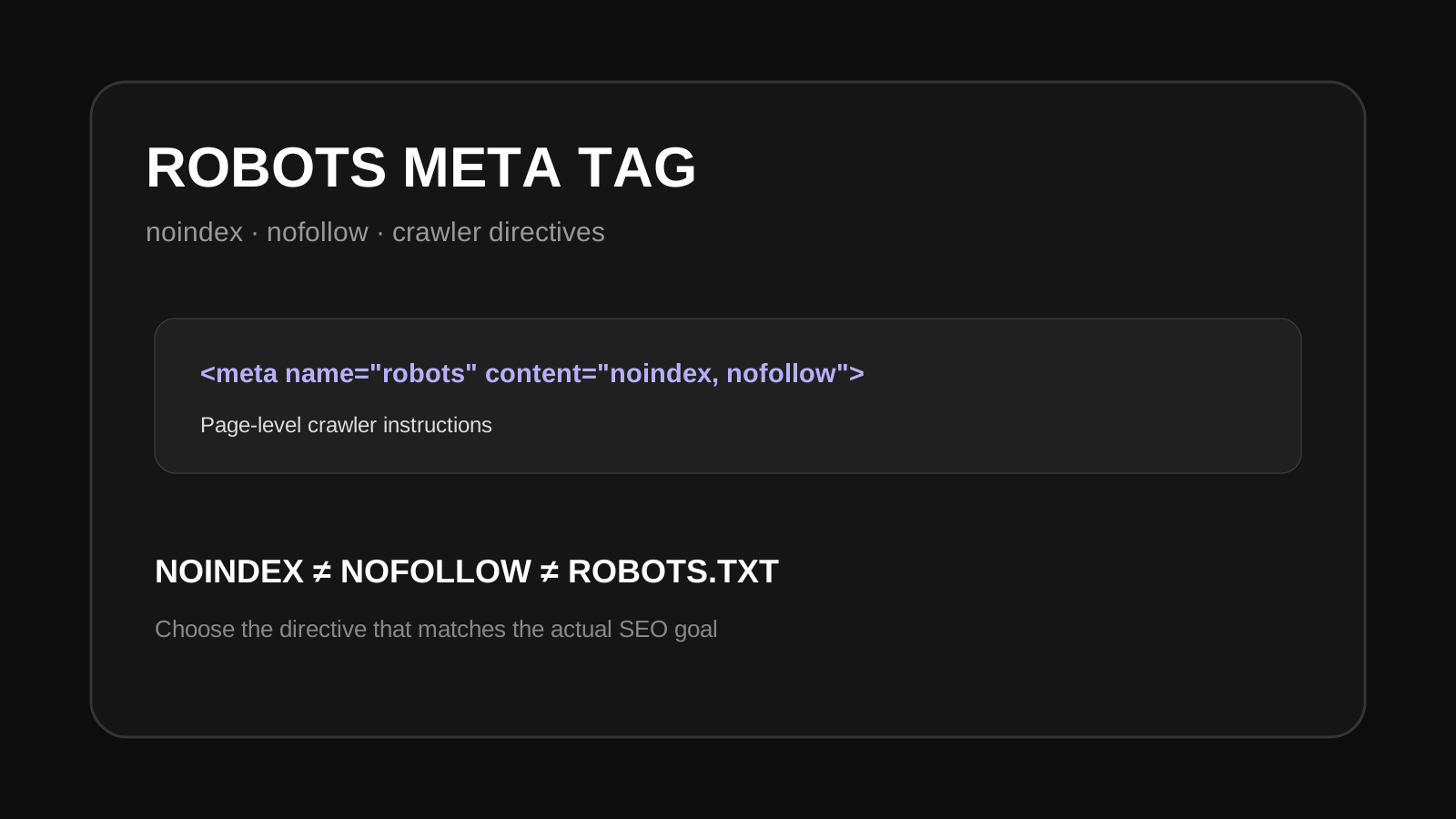
noindex asks a compliant crawler not to include the page in its index. nofollow gives a crawler a hint not to follow links on that page. These directives are different from robots.txt and should not be used interchangeably.What is a robots meta tag?
A robots meta tag is an HTML element in the page head. A common example is <meta name="robots" content="noindex, nofollow">. The content value can contain supported directives separated by commas.
What does noindex mean?
noindex tells search engines that support the directive not to include the page in their search index. It can be useful for pages that should remain accessible but should not appear in search.
What does nofollow mean?
nofollow applies to links on the page. It is not the same as blocking a page from being crawled or indexed. Use it only when the link-following behavior is actually what you need.
Robots meta tag vs robots.txt
Robots.txt controls crawler access at the URL level. A robots meta tag is delivered in the page itself and can give indexing and link-related directives. Blocking a URL in robots.txt can prevent a crawler from seeing a noindex directive on that URL, so the two controls should not be mixed without understanding the result.
Common mistakes
- Adding noindex to pages that should receive organic traffic.
- Using robots.txt when the goal is simply to keep a page out of search.
- Leaving an accidental noindex directive after a staging or redesign project.
- Assuming nofollow means noindex.
- Adding conflicting directives in different parts of the page.
Check your robots meta tag
Inspect the page source and confirm the robots directive matches the page's purpose. Tool Box Kart also provides a robots meta tag checker and a robots meta tag generator for practical work.
Robots meta tag FAQ
Can noindex remove a page immediately?
No. Search engines need to crawl the page and process the directive. The timing can vary.
Is noindex the same as deleting a page?
No. A noindex page can remain accessible to users. Deleting a page changes its availability and usually involves a different status code or redirect decision.