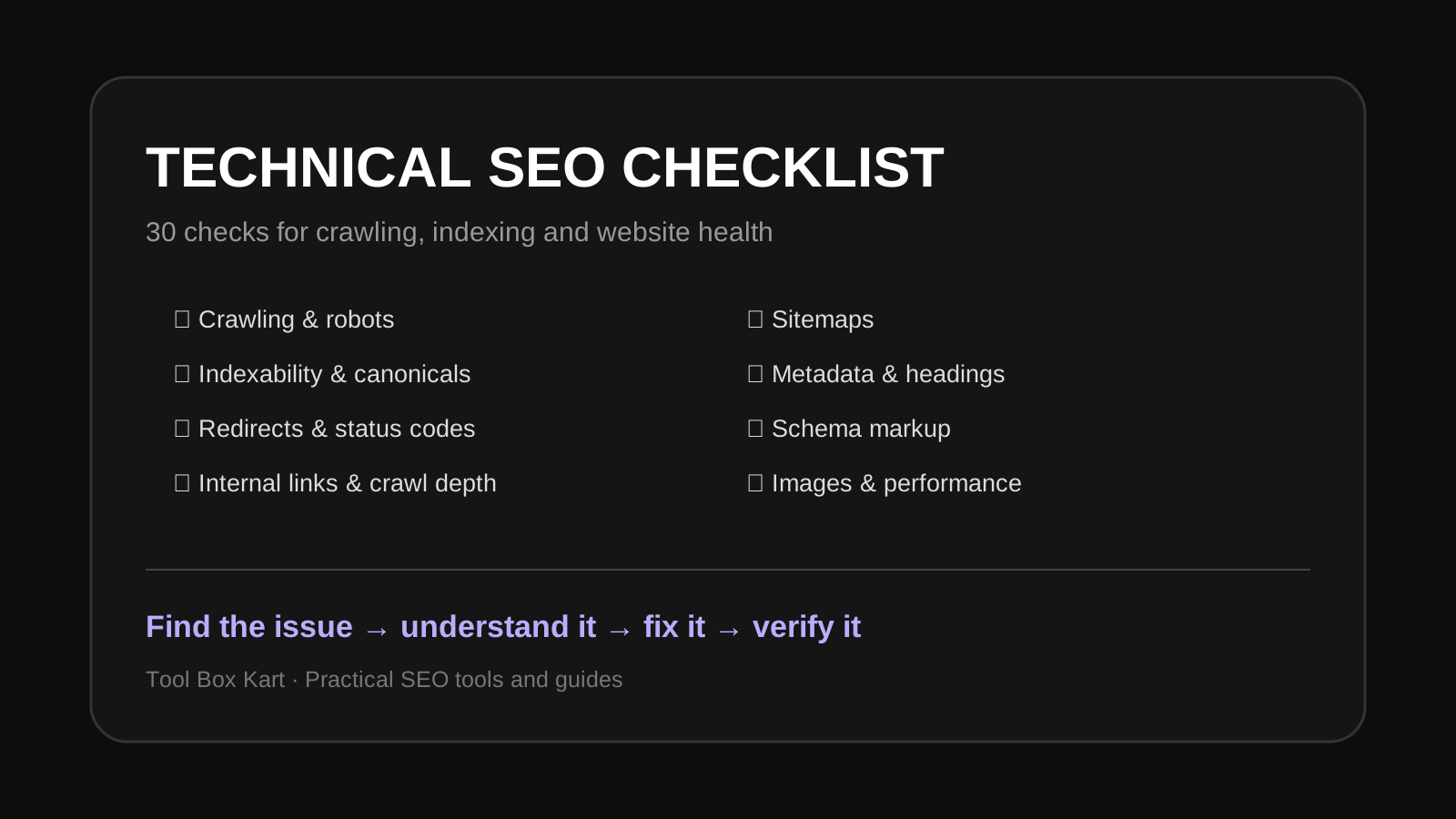
Technical SEO checklist
- Check that important pages return a successful HTTP status.
- Make sure important URLs are not blocked by robots.txt.
- Check the meta robots directive for accidental noindex rules.
- Check X-Robots-Tag headers on important resources.
- Make sure canonical URLs point to the intended version.
- Look for redirect chains and loops.
- Remove unnecessary redirect hops.
- Check internal links to important pages.
- Find broken internal links.
- Review orphan pages that have no useful internal links.
- Keep important pages within a sensible crawl depth.
- Check that XML sitemaps contain canonical, indexable URLs.
- Keep sitemap URLs returning successful responses.
- Check for duplicate or near-duplicate URLs caused by parameters.
- Use clean, descriptive URL paths.
- Check trailing-slash consistency where relevant.
- Make sure every important page has one clear H1.
- Review heading hierarchy for logical structure.
- Write unique title tags for important pages.
- Write useful meta descriptions instead of duplicate boilerplate.
- Check Open Graph metadata for pages shared socially.
- Check image alt text where an image needs a text alternative.
- Compress large images and use modern formats where appropriate.
- Lazy-load non-critical images when appropriate.
- Check structured data for syntax and property errors.
- Make structured data match visible page content.
- Check hreflang relationships on multilingual sites.
- Check mobile layout and interaction.
- Review Core Web Vitals and page performance.
- Keep important content available in the initial HTML where practical.
How to prioritize technical SEO issues
Not every warning deserves the same priority. A blocked important page, accidental noindex directive or broken canonical can matter much more than a small metadata recommendation. Start with issues that prevent crawling, indexing or access to important content.
Use tools instead of checking everything manually
Tool Box Kart's SEO tools can help with focused checks such as URL structure, robots directives, canonical signals, headings, links, schema and other technical SEO tasks. Use the result as evidence, then review the page and business context before making a change.
Technical SEO FAQ
What is technical SEO?
Technical SEO covers the website signals that help search engines crawl, access, understand and index content. It includes areas such as URLs, redirects, robots directives, canonicals, links, sitemaps and structured data.
Is technical SEO only about Google?
No. Good technical foundations help search engines and other systems access and understand a website. They can also improve usability and maintainability.
How often should I run a technical SEO audit?
Run a focused audit after major site changes and review important technical signals regularly. Large sites may benefit from continuous monitoring.