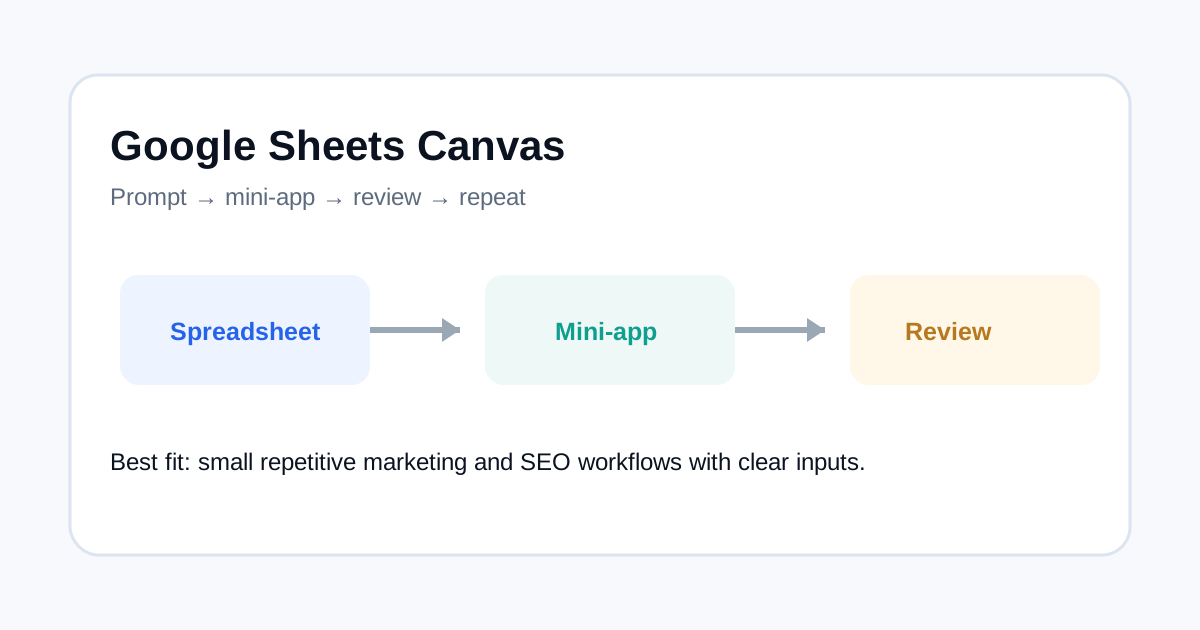
Google’s September 9, 2026 AI plan update highlights a useful idea for marketing teams: Sheets canvas can turn spreadsheet work into custom interactive “mini-apps” through a prompt. Google also added AI features across Gmail, Docs and Keep. The value for a marketing team is not replacing the whole analytics stack. It is making small, repeatable workflows easier to build.
What Google announced
Google says Sheets canvas is available with AI Pro and Ultra plans and can create interactive mini-apps from a prompt. The same update mentions voice features in Gmail, Docs and Keep, plus Gemini connections with Chrome and Google Photos for eligible users in the U.S.
Good use cases for marketing teams
Small internal utilities are a natural fit. A team might create a campaign naming checker, a content inventory view, a UTM review table or a simple lead-quality worksheet. These are narrow jobs where a lightweight interface can remove repetitive manual work.
Keep the source data simple
A mini-app is only useful when its inputs are clear. Define which columns or fields are authoritative, what each calculation means and when the data was last updated. Do not mix estimates, manually entered assumptions and measured results without labels.
| Use case | Useful input | Output |
|---|---|---|
| UTM review | Campaign fields | Validation flags |
| Content inventory | URL and status list | Coverage view |
| Lead tracking | Aggregate funnel data | Conversion summary |
| SEO checks | Exported crawl data | Issue table |
Do not let a mini-app become the system of record
Use these workflows as a working layer unless the business needs a stronger database or application. A spreadsheet interface can be excellent for analysis and review, but it should not silently become the only place where important business data exists.
Where SEO teams can use it
SEO teams can use lightweight interfaces for content QA, title checks, URL inventories, internal-link planning and campaign data cleanup. For example, you can prepare a structured dataset, ask the tool to surface patterns, then use your main analytics or Search Console systems for final reporting.
Privacy and access matter
Keep sensitive information out of a workflow unless the product and plan provide the controls you need. Use aggregate data for reporting utilities whenever possible. ToolBoxKart’s own site rules also require avoiding secrets and personal data in generated files.
FAQ
Can Sheets canvas replace Looker Studio or a data warehouse?
Not automatically. It is better viewed as a lightweight workflow layer for specific jobs rather than a replacement for every analytics system.
What should I build first?
Start with a small repetitive task that has clear inputs, simple rules and an easy way to verify the result.