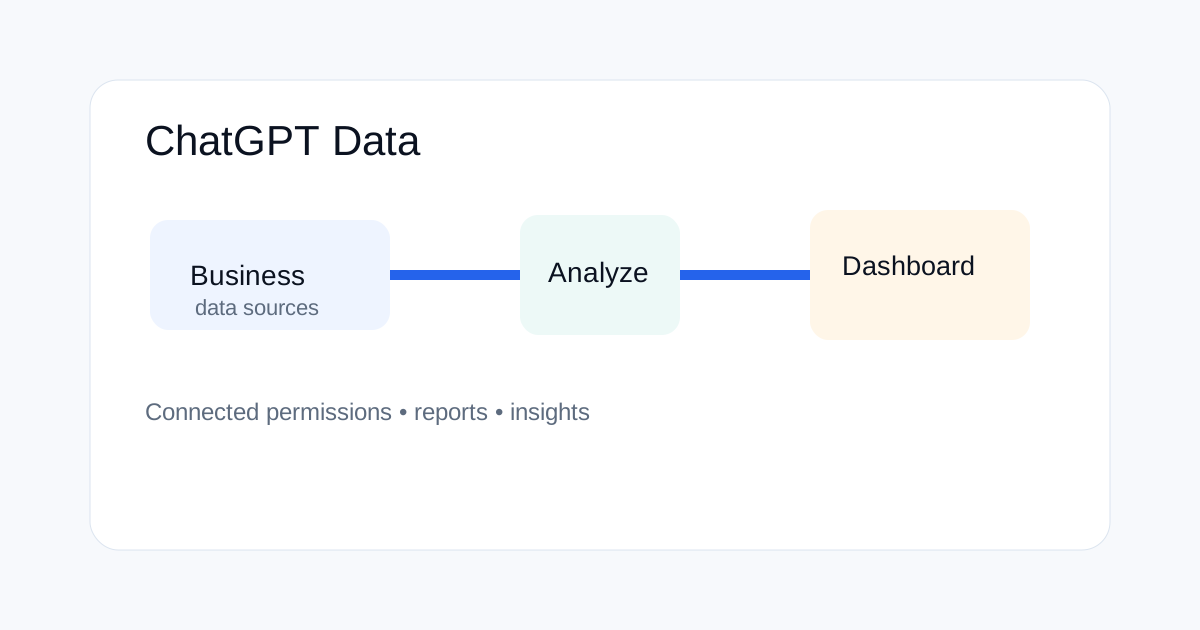
OpenAI added a Data plugin to ChatGPT Work and Codex on September 10, 2026. The plugin is designed to analyze connected business data, answer questions about changes, and create interactive dashboards or reports while using the permissions already attached to connected data sources.
What the Data plugin does
OpenAI describes Data as a way to analyze connected business data inside ChatGPT Work and Codex. Instead of copying a report into a chat manually, a user can ask questions about connected information, investigate changes and create a dashboard or report.
The useful distinction is between the AI interface and the underlying data permissions. Connecting a source does not mean the model gets unlimited access. OpenAI says queries use the connected account's existing permissions.
Why this matters for teams
Business data work often involves repeated questions: which metric moved, which segment changed, what needs attention and how a trend compares with a previous period. A conversational interface can make those questions easier to explore.
The risk is that a convenient interface can hide data boundaries. Teams should document which sources are connected, who can use them, and which outputs are allowed to be shared.
What kinds of work fit the plugin
| Task | Useful starting question |
|---|---|
| Trend analysis | Which metrics changed most this period? |
| Investigation | What segments explain the biggest movement? |
| Reporting | Turn this analysis into a dashboard with key takeaways |
| Monitoring | Which values are outside the normal range? |
| Team analysis | Compare this week's results with the prior period |
How permissions affect the result
OpenAI says connected sources may require setup or authorization, and queries use the account's existing permissions. That means access control remains part of the data workflow rather than being replaced by ChatGPT.
For an enterprise rollout, start with read-only access to the smallest data set that can answer the intended business questions. Expand access only after the workflow is understood.
How to ask better business-data questions
Good prompts define the metric, period, comparison and desired output. Instead of asking “Why are sales down?”, ask “Compare paid acquisition revenue in August and September, group the change by channel, and show the three largest contributors.”
Also tell the system how to handle missing data. Ask it to identify unavailable fields instead of filling gaps with assumptions. This reduces the chance that a plausible explanation is mistaken for a measured one.
How to build a useful dashboard
A dashboard should answer a small set of recurring questions. Start with the core metrics, then add breakdowns that help explain movement. Avoid creating dozens of charts simply because connected data is available.
For executive reporting, separate observed values from interpretation. The observed layer can show actual values and changes. The interpretation layer can explain possible causes and flag areas that need human review.
What can go wrong
A connected data source can still contain tracking gaps, stale records, duplicate rows or inconsistent definitions. AI does not remove those data-quality problems. A dashboard built on a bad metric definition can look clean while giving the wrong answer.
Teams should keep a small data dictionary for important metrics. Record the source, time window, filters, calculation and owner. Ask the analysis workflow to use those definitions consistently.
How ChatGPT Data differs from a normal spreadsheet workflow
A spreadsheet is explicit about formulas and cells. A conversational analysis workflow is easier to explore but can be harder to audit unless the steps are written down. For repeatable business reporting, save the question, filters, metric definitions and final output.
Use the conversational interface for investigation and iteration. Use a documented reporting process for decisions that need to be reproduced later.
Using the plugin with Codex
OpenAI says the Data plugin is available in ChatGPT Work and Codex. That makes it relevant to teams that mix analysis with technical workflows. A developer could investigate a metric change, create a report, then use the result as context for a repository task.
Keep a clear boundary between analysis and code changes. Business data should not silently become production input just because it is available in the same environment.
Privacy and security checks
Before connecting a source, confirm what information it contains and whether your organization allows it to be used with an AI tool. Sensitive customer information, confidential financial data and internal credentials need strict access rules.
Review workspace policies and connected-account permissions. For shared reports, check the audience before distributing the output. A correct analysis can still create a security problem if it is shared with the wrong people.
A practical rollout checklist
Choose one business question first. Connect only the required source. Validate the metric definitions. Run a small test with known results. Compare the output with an existing trusted report. Then define how findings will be reviewed and shared.
After the workflow is stable, create reusable prompts for recurring analysis. Keep those prompts versioned so changes can be reviewed rather than silently changing how the team interprets data.
Related ToolBoxKart guides
For prompt version control, read AI Prompt Versioning for Production Workflows. For model and coding comparisons, see Claude vs ChatGPT vs Gemini for SEO and Coding. For agent data access, use How to Audit AI Agent Permissions. For audit records and reproducibility, read AI Agent Audit Logs: What You Should Record.
New guides from September 12
For the latest voice workflow, read GPT-Live-1 Voice API Guide. For SEO measurement, see SEO Zero-Click Search Strategy. For production approvals, use AI Agent Approval Policy Template.
Frequently asked questions
When did OpenAI add the Data plugin?
OpenAI announced the Data plugin on September 10, 2026 for ChatGPT Work and Codex.
Does Data bypass existing permissions?
OpenAI says connected queries use the permissions of the connected account or source, so the plugin should be treated as a layer over existing access controls.
Can Data create dashboards?
Yes. OpenAI says the plugin can help create interactive dashboards or reports from connected business data.