OpenAI changed how ChatGPT Voice handles harder questions on September 9, 2026. Voice can now use GPT-5.6 or GPT-6 Astra when search or deeper reasoning is needed, and OpenAI also changed GPT-Live usage limits and retired the old Instant, Medium and High Voice intelligence levels.
What changed in ChatGPT Voice
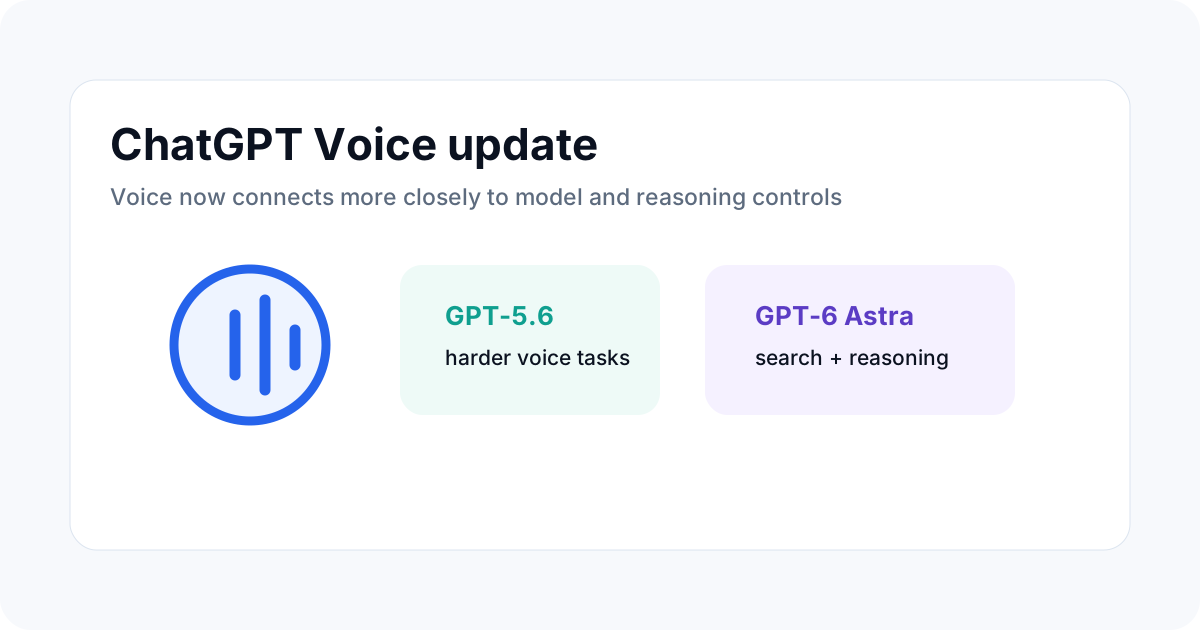
The biggest product change is that Voice is now tied more closely to the model selection and reasoning system used in text chat. OpenAI says ChatGPT Voice can use GPT-5.6 or GPT-6 Astra when it needs to search or reason through harder questions.
Model and usage limits still depend on the plan. This means the same Voice feature can behave differently for Go, Plus, Pro, Business, Enterprise and other account types.
What happened to the old Voice intelligence levels
OpenAI says the separate Instant, Medium and High Voice intelligence levels are deprecated. The change simplifies the interface by aligning Voice with the normal model and reasoning controls instead of asking users to choose a separate Voice intelligence label.
For users, this should make it easier to understand which model is handling a request. For teams, it also makes usage planning more closely tied to model limits rather than a separate Voice-specific intelligence tier.
New GPT-Live limits
| Plan | GPT-Live allowance in OpenAI's update |
|---|---|
| Go | Up to 3 hours with GPT-Live-1 mini |
| Plus | Up to 3 hours with GPT-Live-1 |
| Pro $100/month | Up to 15 hours with GPT-Live-1 |
| Pro $200/month | Unlimited GPT-Live-1 usage |
OpenAI also says Plus and Pro users no longer switch to GPT-Live mini after reaching a Voice limit. The exact limits shown in ChatGPT should be treated as the account-level source of truth because OpenAI states that usage depends on plan and model.
Why the model routing matters
Voice used to feel like a separate mode. The new approach makes Voice part of the broader reasoning system. A simple question can stay lightweight, while a request that needs search or harder reasoning can use a stronger model.
This has an important user-side effect: Voice is no longer only about speech quality. The model behind the interaction becomes part of answer quality, cost and usage limits.
What this means for long Voice sessions
Long sessions should now be planned around both Voice minutes and model usage. A user may spend time speaking while the underlying task also consumes normal reasoning or search resources. For heavy use, check the plan-specific limits before assuming that an apparently unlimited conversation is actually unlimited model work.
For businesses, admins should test common Voice workflows such as meeting notes, research questions, customer support role-play and document review. Measure not just minutes, but also how often users need a stronger model and whether limits create interruptions.
ChatGPT Voice and GPT-6 Astra
OpenAI released GPT-6 Astra earlier in September and describes it as its most capable broadly deployed model. Its safety overview says Astra reaches the Critical level of cybersecurity capability under the Preparedness Framework and includes stronger protections around misuse and misalignment.
The Voice update does not mean every spoken request automatically uses Astra. OpenAI's wording is that Voice can use GPT-5.6 or GPT-6 Astra when harder search or reasoning is needed, while plan and model controls still apply.
What users should check in settings
First, confirm which model is selected in the current ChatGPT interface. Second, review your plan's Voice or GPT-Live limit. Third, check whether a task needs search, file work or deeper reasoning before starting a long session.
For repeated workflows, create a simple usage log. Record date, task type, model used and whether a session hit a limit. This helps identify which workflows are consuming the most capacity.
Common mistakes
Do not assume that Voice minutes and model limits are identical. Do not assume that GPT-6 Astra is used for every Voice answer. And do not rely on old screenshots of Voice settings because OpenAI is actively simplifying the interface.
Also remember that a stronger model can improve a difficult task without making every answer correct. Important business, legal, financial or technical outputs still need human review.
How this connects with ChatGPT account management
For people who use more than one Google account with ChatGPT, the account and permission setup is separate from the Voice model update. Keep account connections clear and avoid mixing work and personal permissions in the same workflow.
ToolBoxKart's existing guide to connecting multiple Google accounts covers that separate setup problem.
Related ToolBoxKart guides
For AI assistant comparisons, read Claude vs ChatGPT vs Gemini for SEO and Coding. For ChatGPT data workflows, see ChatGPT Data Plugin: How Business Analysis Works. For account connections, use How to Connect Multiple Google Accounts to ChatGPT. For the broader agent model, read the AI Agent Architect guide.
Frequently asked questions
Can ChatGPT Voice use GPT-6 Astra?
OpenAI says ChatGPT Voice can use GPT-5.6 or GPT-6 Astra when it needs to search or reason through harder questions.
Are the Instant, Medium and High Voice levels still used?
OpenAI says those separate Voice intelligence levels are deprecated.
Do Voice limits depend on the ChatGPT plan?
Yes. OpenAI states that available models and usage limits depend on the user's plan and, for some workspace products, workspace settings.