Google Search Console regex filters help you group related queries or URLs without exporting every row. They are especially useful when a site has many page types, topics or query patterns that are hard to isolate with simple filters.
How do you use Google Search Console regex? Add a Pages or Queries filter, choose Custom (regex), write an RE2-compatible pattern, and test it against the data you expect to match. Start with anchored patterns such as ^/blog/ or grouped terms such as (seo|search|ranking) when you need cleaner reporting.
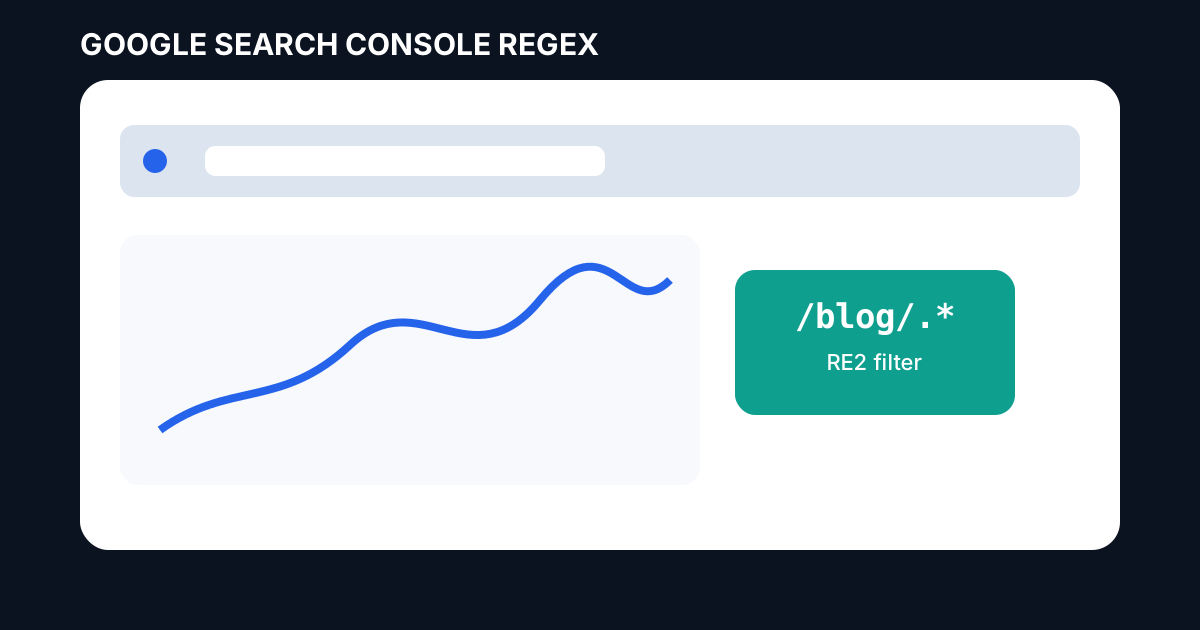
Where regex appears in Search Console
In a Performance report, add a filter and choose either Queries or Pages. Then choose Custom (regex). You can match the pattern or exclude values that match it. Google documents regex filtering for its performance reports using RE2 syntax.
How Search Console regex matching works
Search Console uses RE2 syntax and defaults to partial matching. That means a pattern can match anywhere in the target string unless you use ^ for the start or $ for the end. Matching is normally case-insensitive, while (?-i) can make a pattern case-sensitive.
Useful page URL regex patterns
^/blog/— match URLs that begin in the blog path./category/— find URLs containing a category path.^https://example.com/products/— isolate a full product section./(guide|tutorial|how-to)/— group several content paths.\.(pdf|docx)$— match selected file endings.
Useful query regex patterns
For queries, group closely related terms instead of writing many filters. A pattern such as (seo|search engine|ranking) can collect a broad family of terms. For a brand plus product group, use explicit alternatives such as (toolboxkart|toolbox kart) and inspect the result set before drawing conclusions.
Use anchors to reduce false matches
Partial matching is powerful, but it can also return more data than you expect. Use ^ and $ where position matters. For example, ^/seo/ is more precise for a URL folder than simply writing /seo/.
Why some regex patterns fail in Search Console
Search Console follows RE2. Patterns that rely on syntax not supported by RE2 will not work as expected. Keep patterns simple, test them in a live regex tester, and build them one piece at a time rather than starting with a complex expression.
How to test a regex before trusting the report
- Write the smallest pattern that should match.
- Test one known good value and one known bad value.
- Add anchors only when needed.
- Add alternatives gradually with
|. - Compare the filtered result with an unfiltered report.
Use the ToolBoxKart Search Console Regex Generator
For repeatable patterns, use the ToolBoxKart Search Console Regex Generator. Build the expression there, then paste it into the relevant Search Console filter and verify the returned rows.
Related ToolBoxKart guides
For deeper reporting context, read the Search Console AI Performance Report Guide, Google AI Search Visibility Report, and Search Console AI report bug analysis. For the technical side of the site, use the guide to finding orphan pages with crawls and sitemaps.
Frequently asked questions
Does Google Search Console use RE2?
Yes. Google's current documentation says Custom (regex) filters use RE2 syntax.
Does Search Console regex match partial text?
Yes. Partial matching is the default unless the expression uses anchors such as ^ or $ to control the boundary.
Can Search Console regex be case-sensitive?
Yes. Google says default matching is not case-sensitive, and you can use (?-i) to request case-sensitive matching.
Sources
- Google Search Console Help — Performance report advanced filtering
- Google Search Console Help — Performance report filtering
- Google Search Central — Regex in Search Console