Screaming Frog Custom Extraction can help SEOs inspect structured data and other page elements at scale when a normal crawl report does not expose the exact content you need. The useful approach is to define a focused extraction target, test it on a small sample, and then use the crawl output to find missing, inconsistent or unexpected implementations.
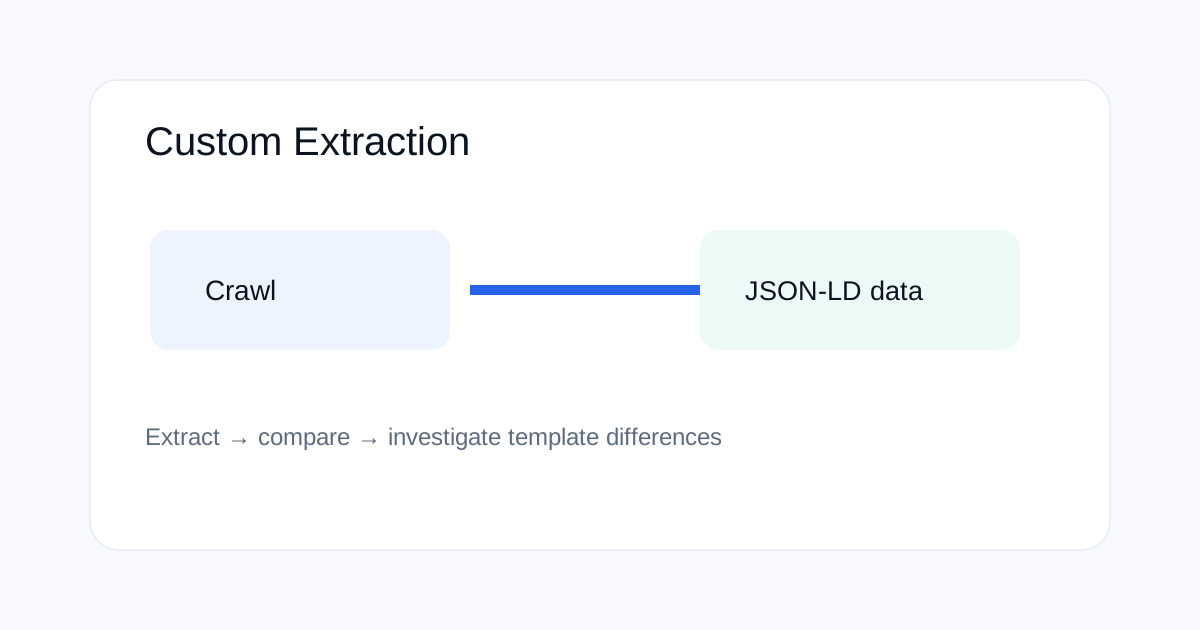
What Custom Extraction is useful for
Custom Extraction is most useful when you need a specific value that is not covered by the standard crawl columns. Examples include JSON-LD blocks, specific HTML elements, visible labels, data attributes and implementation patterns.
It is better to use a narrow extraction than to collect a large amount of HTML that later needs manual cleaning. Define the exact audit question first.
Why use it for JSON-LD?
Structured data can look correct in a browser while containing missing properties, duplicate blocks or inconsistent values across templates. A crawl-level extraction lets you compare pages at scale.
For example, you can extract the raw JSON-LD script content, then sort or filter the export to see which templates produce different schema types. The extraction itself does not prove that Google's processing will be identical, so validate important findings with the rendered page and Google's documentation.
How to plan an extraction
| Question | Useful extraction |
|---|---|
| Which pages contain JSON-LD? | Script element content for application/ld+json |
| Which templates lack a field? | Specific JSON-LD property or HTML selector |
| Do titles contain a pattern? | Targeted text or element extraction |
| Does a template expose a data attribute? | CSS or XPath-targeted value |
How to test the extraction before a full crawl
Start with a small URL sample that covers the site's important templates. Include a normal page, a page you expect to differ, a newly published page and a page known to have the target element.
Check whether the extraction returns the value you expect and whether blank results are genuinely missing or caused by the extraction rule. This small test prevents a full crawl from generating a misleading export.
How to audit JSON-LD at scale
After the extraction is working, run the crawl and export the values. Group results by schema type, template or directory. Look for pages with no JSON-LD, unexpected schema types, repeated blocks and obvious value inconsistencies.
Do not treat identical schema as automatically good. The content still needs to match the visible page and follow the relevant structured-data guidelines.
How to find missing implementations
Suppose most product pages contain Product structured data and a group of pages returns a blank extraction. That group becomes a useful investigation queue. Inspect whether those pages use a different template or whether the markup is generated differently.
The same method works for breadcrumbs, article metadata and other repeated implementation patterns.
What Custom Extraction cannot prove
An extraction shows what your crawl can retrieve. It does not prove that a search engine will display a rich result, that a particular schema item is eligible, or that a page will rank better.
Use the output as technical evidence for your own site. For Search behavior, use the current Google documentation and appropriate validation tools as separate sources.
Common Custom Extraction mistakes
One mistake is writing a rule that matches only one template. Another is assuming that a blank extraction always means the page is missing the data. A third is exporting huge HTML fields and then trying to inspect them manually.
Keep each extraction focused on one question and document the rule so another person can reproduce the audit.
How to combine extraction with crawl filters
For large sites, use crawl filters or URL patterns to narrow the problem before exporting. For example, review only blog pages when auditing Article markup or only product directories when checking Product data.
This reduces noise and makes it easier to find template-level problems.
How to document the audit
Save the crawl date, Screaming Frog version, extraction rule, URL scope and key findings. If the rule changes later, keep the old definition so you can explain why two audits are not directly comparable.
When this tool is worth using
Custom Extraction is most valuable when a site is large enough that manual inspection does not scale, but the audit question is precise enough to express as a selector or extraction rule. It complements normal crawl data rather than replacing manual validation.
Related ToolBoxKart guides
For focused crawl checks, read Screaming Frog Custom Search for SEO audits. For robots directives, see Google's robots meta tags guidance and how to test robots.txt for SEO. For canonical handling, use canonical tags for faceted navigation.
Frequently asked questions
Can Screaming Frog extract JSON-LD?
Yes. Custom Extraction can be used to collect targeted page content such as JSON-LD for large-scale inspection, depending on the crawl configuration.
Does extraction prove schema is valid?
No. It shows what the crawler extracted. Structured-data validity and Search eligibility require separate validation against the current documentation.
Should I crawl the whole site first?
For rule development, test on a small representative sample first. Then run the full crawl after the extraction produces the expected results.