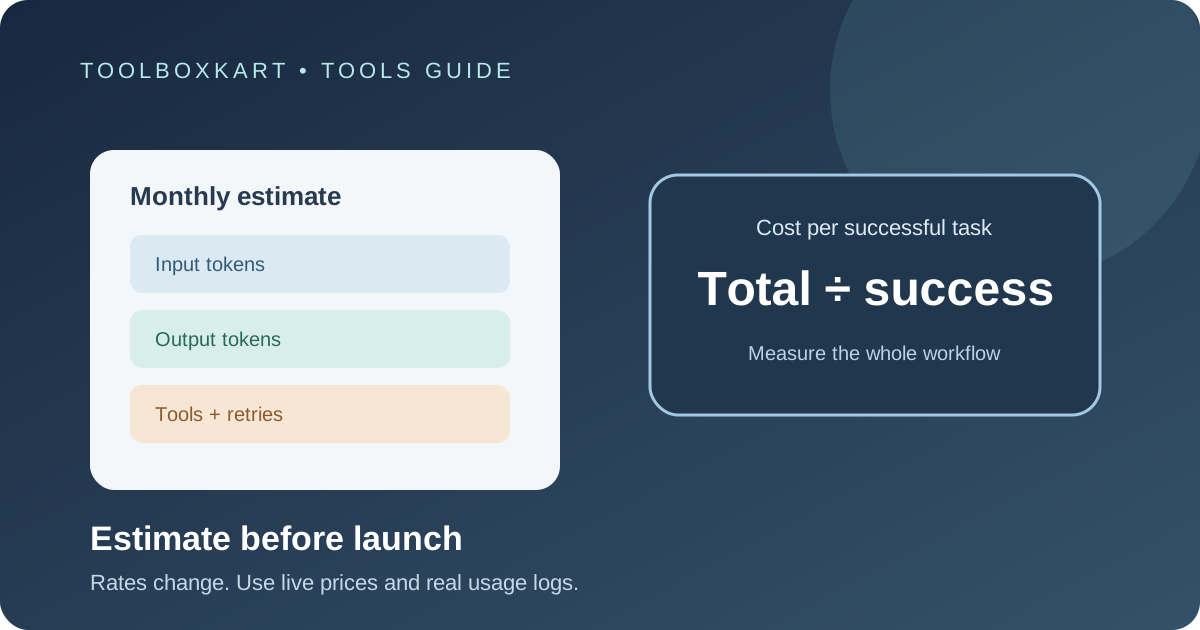
To estimate the cost of an AI feature, calculate the tokens used for a real task, apply the current input and output rates for the model, then add tools, retries, retrieval and other usage charges. Do not budget from the advertised price of one million tokens alone. The useful number is the cost per completed task at the quality level your users need.
Start with the full cost formula
For a text request billed by tokens, a basic estimate is:
Token cost = (input tokens ÷ 1,000,000 × input rate) + (output tokens ÷ 1,000,000 × output rate)
Then add any other charges that apply: cached input, cache writes, tool calls, web search, file or vector storage, image or audio processing, retries and background jobs. The provider's pricing page is the source of truth for its current rates and billing units.
Input and output rates are often different. Some providers also price cached tokens, long-context requests, batch processing, priority service or built-in tools separately. An agent may make several model calls for one user task, so count all of them.
Work through a simple example
Assume an application completes 100,000 tasks per month. Each task uses 1,200 input tokens and 300 output tokens. To keep the math simple, assume hypothetical rates of $2 per million input tokens and $8 per million output tokens. These are sample rates for the calculation, not a claim about a current provider's price.
| Item | Calculation | Monthly cost |
|---|---|---|
| Input | 120 million tokens × $2 ÷ 1 million | $240 |
| Output | 30 million tokens × $8 ÷ 1 million | $240 |
| Base token cost | $240 + $240 | $480 |
If 10% of tasks make one additional attempt with the same average token use, the extra token cost is about $48. That brings the estimate to $528 before tool charges, retrieval, storage or monitoring. Real retry usage can be lower or higher, so replace this assumption with measured data when you have it.
Measure tokens from real requests
Do not guess token counts from character length if the application can provide usage data. Log input and output tokens for representative tasks, including system instructions, conversation history, retrieved documents and tool results. A short user message can still create a large request if the system sends a long prompt or repeats context on every turn.
Collect enough examples to cover normal requests and heavier cases. Track median and high-percentile usage rather than relying only on the average. A small number of long documents or agent runs can account for a large share of the bill.
Count every call in an agent workflow
A user may see one answer, while the application makes multiple calls behind the scenes. A research agent might search, summarize a page, ask the model to compare sources, validate the result and generate a final answer. Each model call can use input and output tokens. Search, browser, code execution and other tools may also have separate charges.
Build a task-level record that groups all calls under one request ID. Include model name, input tokens, output tokens, cached tokens, tool count, retry count, latency and final task status. Then divide total cost by successful tasks, not just by API calls.
Include cache, batch and modality costs
- Prompt caching: if the provider charges a different rate for cached input or cache writes, use the actual cached-token counts and the matching rates.
- Batch processing: some providers offer a lower rate for work that does not need an immediate response. Confirm the batch terms and turnaround limits.
- Search and tools: count fixed tool-call charges as well as any model tokens returned by a tool.
- Images, audio and video: these may use different billing units or token calculations. Do not estimate them as plain text.
- Retries and repair calls: count calls made after timeouts, malformed output or failed validation.
- Infrastructure: include storage, retrieval, logs, hosting and monitoring when you are estimating the cost of the whole feature.
Turn the estimate into a monthly budget
Use this order:
- Estimate monthly completed tasks.
- Measure tokens and tool use for each task type.
- Apply the current rates for the exact model and billing tier.
- Add retries, failed attempts and background processing.
- Add non-token costs such as retrieval, storage and infrastructure.
- Set a budget limit and an alert threshold before launch.
- Compare the estimate with the first real invoices and update your assumptions.
For a multi-model application, calculate each route separately. A small model may handle simple extraction while a more capable model handles difficult cases. But do not switch a task to a cheaper model until it passes the quality checks in our AI model evaluation guide.
Reduce cost without hiding quality problems
Trim repeated instructions, limit output length, avoid sending irrelevant history and cache stable context when the provider supports it. Route simple tasks to a smaller model only after testing. If the model needs multiple repair calls because its output is wrong, the cheaper first response may not be cheaper overall.
Track cost per successful result alongside accuracy, latency and failure rate. A low token bill is not a win if users need to repeat requests or staff must fix the output manually. For a provider-specific example, see our Claude Haiku 5.5 API pricing guide, and always verify the provider's live pricing before using a rate in a forecast.
Common budgeting mistakes
- Using a consumer subscription price to estimate API usage.
- Applying input rates to output tokens or ignoring cached-token pricing.
- Counting one model call when the task uses an agent loop.
- Ignoring tool charges, failed requests and retries.
- Using only average token counts and missing unusually large requests.
- Assuming a published rate will remain unchanged for the whole budget period.
Frequently asked questions
What is the best cost metric for an AI feature?
Use cost per successful task, together with quality and latency. Cost per API call alone can hide retries and multi-step workflows.
Should I use a model's listed token price as my final budget?
No. It is only one part of the estimate. Include real token usage, tools, retries, retrieval and other infrastructure costs.
How often should I update my cost estimate?
Recheck current rates before launch and after provider pricing or model changes. After launch, compare estimates with actual usage and invoices regularly.
Sources
- OpenAI API pricing: token, cache and tool charges
- Anthropic / Claude pricing page
- Google AI: Gemini API pricing