Before switching an AI model or provider, run both options against the same set of real tasks and compare quality, reliability, latency, total cost and data-handling requirements. A model that looks better in a demo can still fail on your own inputs, return a different structure or cost more after retries and tool calls. A small, well-designed evaluation is more useful than a single public benchmark score.
1. Define what success means
Start with the job the model must do. “Better answers” is too vague to test. For support-ticket classification, success may mean the correct label and a low rate of confident misclassification. For document extraction, it may mean valid structured output and accurate fields. For research, it may mean claims supported by sources rather than fluent wording alone.
Write down the most important failure modes before comparing models. If a wrong answer can affect money, access, health or a customer's rights, the evaluation should include the checks and human review required for that level of risk.
2. Build a representative test set
Use real or carefully prepared examples that reflect the work the application receives. Include common cases, unusual inputs, incomplete information, long documents, ambiguous requests and examples where the correct answer is to ask a question or decline to act. Remove personal or confidential data unless you have approval and suitable safeguards for using it in tests.
For a first pilot, dozens of carefully selected examples can reveal obvious differences. Higher-impact systems usually need a larger and more diverse set, and enough examples to measure rare but costly failures. There is no single sample size that is right for every task.
Keep the expected result or review rubric with each example. For structured tasks, store the correct fields or label. For open-ended tasks, define a scoring guide for accuracy, completeness, source support, tone and format. Keep some examples out of prompt development so you can check whether improvements generalize.
3. Compare models under the same conditions
- Record the current model ID, prompt, tool definitions, sampling settings and output limits.
- Run the baseline model on the test set and save its outputs and usage data.
- Run the candidate model on the same inputs with equivalent settings where the APIs allow it.
- Store the model version, date, latency, token usage, tool calls and any errors.
- Compare the results using the same rubric, then inspect disagreements rather than relying only on an overall score.
Some models need different prompt wording or supported parameters. If you change the prompt to help the candidate model, record that as a separate test. Otherwise, it becomes difficult to tell whether the result improved because of the model or because of the prompt change.
4. Use metrics that fit the task
| Task | Useful checks | Common blind spot |
|---|---|---|
| Classification | Accuracy, precision, recall, confusion matrix | One class may be rare but important. |
| Data extraction | Field-level accuracy, schema validity, missing fields | Valid JSON can still contain wrong values. |
| Research and answers | Factual support, citation validity, completeness, human review | A polished answer may cite a source that does not support its claim. |
| Coding | Tests, build result, regression rate, patch size and review findings | Code that compiles can still break behavior or security. |
| Agents and tool use | Task completion, tool-call success, permission violations, duplicate actions | A final answer can hide failed or unsafe intermediate steps. |
Track latency and cost for every task type. Compare p50 and p95 latency, not just the fastest result. Calculate cost per successful task, including retries, tool charges and human correction where you can measure it. Our LLM API cost-per-task guide explains how to build that estimate.
5. Review failures, not only averages
A single aggregate score can hide a serious weakness. Review cases where the models disagree, where the candidate fails a required format, where a citation is unsupported, or where a tool call would have an external effect. Classify each failure by type and severity.
Human review is important for nuanced tasks. A model-based judge can help sort a large set of outputs, but it can share biases with the model being tested and may reward fluent answers that are wrong. Calibrate automated scores against human ratings and keep examples that expose disagreement.
For safety-sensitive workflows, include tests for refusal behavior, prompt injection, unauthorized tool use and correct handling of missing information. OpenAI's discussion of frontier AI training safety cases is a useful example of why evaluations need evidence, review and clear pause conditions rather than one score.
6. Check privacy, availability and migration effort
Model quality is only one part of the decision. Compare the provider's data-retention terms, regional processing options, security controls, supported regions, rate limits, uptime history and deprecation policy. Check whether the candidate supports the same tools, structured outputs, context size and modalities your application uses.
Estimate migration effort as well. A provider change may require new authentication, request formatting, tool definitions, output parsing, logging or monitoring. Test the full application path, not only a direct model call. If a provider's model alias can change over time, decide whether to pin a version and how you will retest future changes.
7. Roll out gradually and keep a rollback path
After the candidate passes offline tests, send a small share of low-risk traffic to it or run it in shadow mode without using its output for real actions. Compare live error rates, user corrections, latency and spend. Expand only when the results meet the thresholds you set in advance.
Keep a way to return to the previous model. Store the previous configuration, document the rollback trigger and test the switch before launch. A provider outage or unexpected model change should not force you to rebuild the application under pressure.
Important OpenAI evaluation-platform note
OpenAI's current developer documentation says the legacy Evals platform becomes read-only for existing users on October 31, 2026, and is scheduled to shut down on November 30, 2026. The same documentation points new users toward Datasets for a quicker evaluation workflow. If you rely on OpenAI's Evals API, check the live deprecation notice and plan a migration instead of building a new process around a service that is being retired.
A practical scorecard
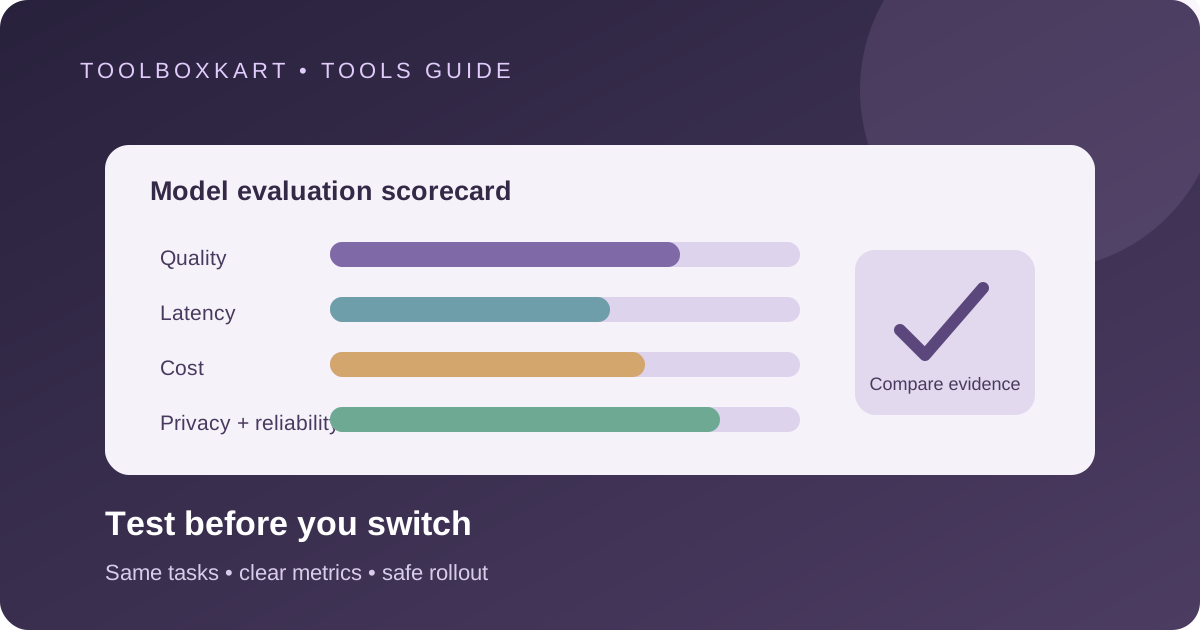
For each candidate, record these results in one table:
- quality score and the number of critical errors;
- task completion and output-validation rate;
- p50 and p95 latency;
- cost per successful task, including tool calls and retries;
- privacy, data-retention and regional requirements;
- integration changes, monitoring needs and rollback steps.
Choose the model that meets your quality and risk requirements at an acceptable total cost. Do not let a lower price or a higher public benchmark score override a failure that matters to your users.
Frequently asked questions
How many examples do I need to test a model?
There is no universal number. Start with representative examples and expand the set until you have enough evidence for the risks and failure rates that matter to your application.
Can I use another AI model to grade every answer?
You can use a judge model as one signal, but calibrate it against human ratings and inspect disagreements. A judge model can miss the same kinds of errors as the model being tested.
Should I compare model quality or cost first?
Measure both. Compare quality and risk first against your required threshold, then use cost per successful task and latency to choose among candidates that meet it.
Sources
- OpenAI: Working with evals and the current deprecation timeline
- OpenAI: Getting started with Datasets for evaluation
- Google Cloud: Developing and evaluating a generative AI application