Google Search Console URL Inspection is one of the most useful tools for checking why an important URL is not appearing as expected in Google. The best workflow is not to inspect URLs randomly. Start with a clear question, collect the inspection evidence, and connect it to crawl, canonical and sitemap data.
What URL Inspection can tell you
The tool can show Google's indexed state and information about the inspected URL. It is useful for checking whether Google knows the URL, which canonical Google selected and whether recent changes have been discovered.
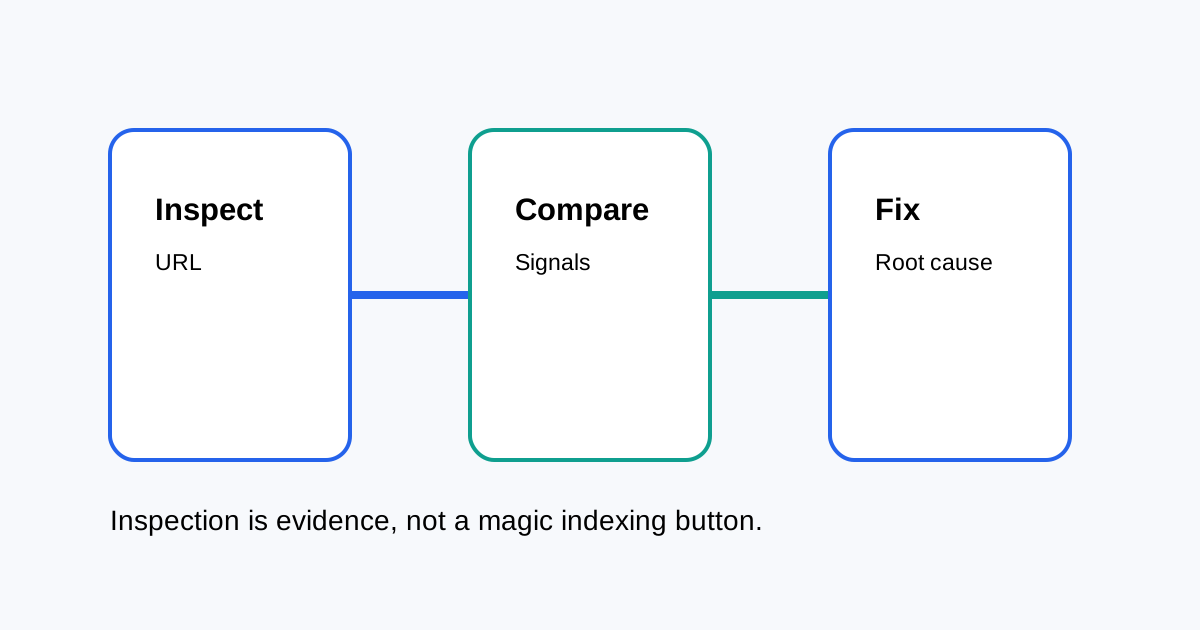
Use a question-first workflow
- Start with the exact URL and the reason you are checking it.
- Inspect the current Google-selected signals.
- Compare them with the page's actual canonical and robots directives.
- Check sitemap and internal-link discovery.
- Request indexing only when a new or changed page needs recrawling.
Canonical mismatch is a useful clue
If your declared canonical differs from Google's selected canonical, do not immediately force the result. Compare content similarity, internal links, redirects, sitemap inclusion and duplicate URL patterns. The selected canonical is a signal to investigate, not simply a setting to overwrite.
Use URL Inspection after important changes
Good cases include a migration, major template update, canonical correction, new page launch or important content refresh. Keep a simple log of the date, URL, change and inspection result so you can see whether discovery improved.
Do not use Request Indexing as a fix
Requesting a crawl can help Google discover a change, but it does not override indexing systems. If the page has a canonical, quality, access or duplication problem, repeated requests do not solve the underlying issue.
Connect inspection with a crawl
Use Search Console for Google's view of an individual URL and a crawler for site-wide patterns. If many URLs show the same canonical or indexing behavior, investigate the template rather than fixing each URL separately.
Related ToolBoxKart guides
For XML sitemap checks, read How to Validate an XML Sitemap. For faceted canonical problems, see Canonical Tags for Faceted Navigation. For orphan discovery, read How to Find Orphan Pages. For AI visibility, use the Search Console AI Performance Report guide.
Frequently asked questions
Does URL Inspection guarantee indexing?
No. It provides information and can allow a crawl request, but Google still decides whether and how to index the URL.
What should I check when Google chooses another canonical?
Check duplicate content, redirects, internal links, sitemap signals and whether the declared canonical is the strongest equivalent page.
Should every new page be manually inspected?
No. Prioritize important pages and pages changed after migrations or technical fixes.