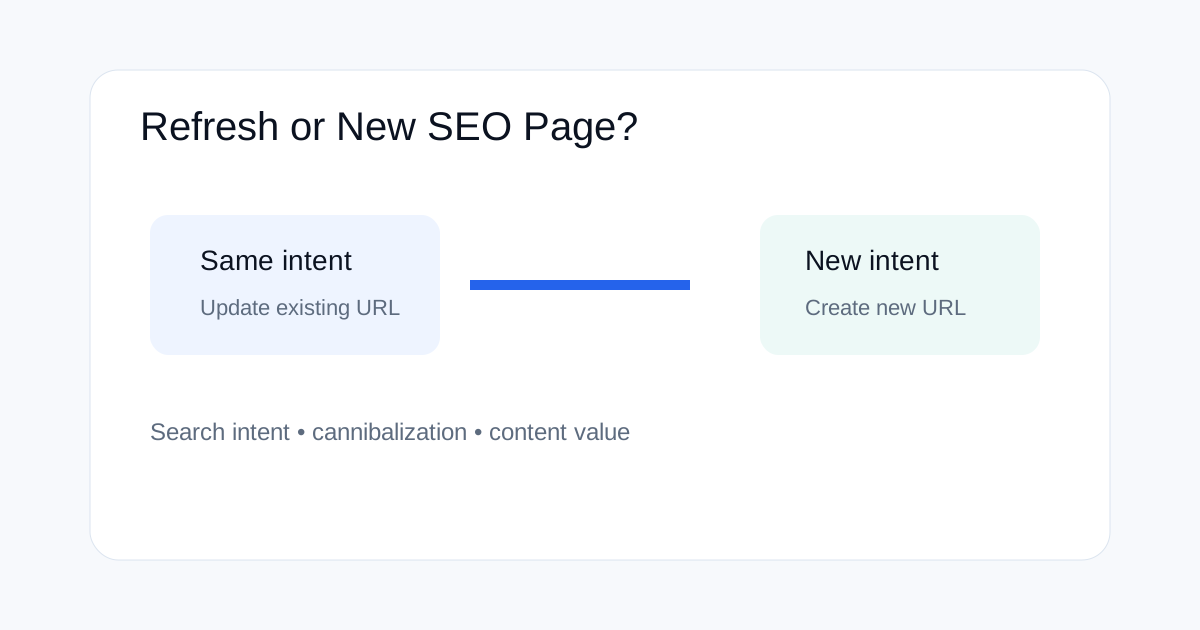
When a keyword opportunity appears, the first SEO decision should not be “What new article should we publish?” It should be “Does an existing page already satisfy this search intent?” Updating the right URL can strengthen an established page, while creating a new page is better when the query needs a genuinely different answer.
Why the refresh-versus-new-page decision matters
Publishing more URLs does not automatically increase organic visibility. Two pages that answer nearly the same question can split internal links, confuse search intent mapping and make it harder to know which URL deserves to rank.
A stronger workflow starts with intent. Compare the query, audience, problem, page type and expected answer before writing anything.
When an existing page should be updated
Update an existing URL when the primary search intent is essentially the same and the new information extends or improves the current answer. Examples include adding a new product version to an existing comparison, updating a process after a documented change, or expanding an article that already ranks for related queries.
Refreshing is also useful when the existing URL has strong internal links and external references that would be difficult to rebuild on a new page.
When a new URL makes more sense
Create a new page when the user question is materially different. “How to audit a website” and “how to audit AI agent permissions” may share some concepts, but the workflows, tools and risks can be different enough to justify separate pages.
| Signal | Likely action |
|---|---|
| Same query and same intent | Update existing page |
| Same audience, expanded version of the topic | Usually update |
| Different task or decision | Create new URL |
| Different search intent | Create new URL |
| Existing page already ranks for the exact topic | Prefer improving it |
How to compare search intent
Look beyond the keyword itself. Search the query and inspect the dominant page types. If most results are tools, a long opinion piece may not match intent. If results are troubleshooting guides, a basic definition page may be too weak.
Also compare the reader's next action. Two pages may mention the same terms but lead users toward different tasks. That difference is often more useful than keyword similarity.
How to use Search Console data
Search Console can help you find existing pages that already receive impressions for the new topic. Export queries for the target URL and look for related phrases with meaningful impressions but weak click-through or weaker positions.
Do not use an isolated query as proof that a new URL is needed. First inspect the full page, its current rankings and the intent behind the terms.
How to refresh without creating a thin rewrite
A refresh should add clear value. Replace outdated information, add missing examples, improve the direct answer, update screenshots or procedures where needed, and remove sections that no longer support the reader.
Do not simply change the title and add a few paragraphs. A meaningful refresh changes the usefulness of the URL, not just its word count.
How internal links affect the decision
An older page often already has a place in the site's internal content graph. Before creating a new URL, check the sitemap and related pages. If several old articles already point to the existing page, strengthening that page can be more efficient than starting a disconnected URL.
When a new page is genuinely needed, plan both directions: link from the new article to useful older resources, and add a contextual incoming link from an older page where the new article provides the next step.
How to avoid cannibalization
Create a simple topic map for important content. Record the primary query, intent, page type and canonical URL. Before publishing a new article, compare it with existing pages and today's other candidates.
Reject a new page when its main purpose is already covered well elsewhere. If the new article adds a different decision, workflow or audience need, keep the distinction clear in the title and headings.
What to do after updating an existing page
Record the changes and the reason for the update. Review Search Console over time rather than judging success from a single day. Keep a note of what changed so future traffic analysis can separate content changes from other site or search changes.
This is especially useful for fast-moving subjects where products, interfaces and documentation change often.
A practical editorial decision tree
Start with the query. Identify the dominant intent. Search your own site for pages that already answer it. Inspect those pages, their rankings, internal links and depth. If the answer can be made substantially better on the existing URL, update it. If the user needs a different answer, create a new page and define its unique scope before drafting.
Related ToolBoxKart guides
For technical discovery, read how to find orphan pages with crawls and sitemaps. For crawl and indexing controls, see how to test robots.txt for SEO and canonical tags for faceted navigation. For AI-focused optimization, use the Google AI Search page optimization guide.
Frequently asked questions
Should every new keyword get a new page?
No. Many keyword opportunities are better handled by improving an existing page that already targets the same intent.
What is the biggest sign of cannibalization?
The strongest sign is two URLs targeting nearly the same query, reader question and intent without a clear reason for both pages to exist.
Can updating an old page help SEO?
It can improve usefulness and relevance when the update adds real information and better satisfies the same search intent. It is not a guaranteed ranking change.
Sources
- Google Search Central — Creating helpful, reliable, people-first content
- Google Search Central — Canonicalization