AI crawler policy is becoming a real technical SEO issue because not every automated request has the same purpose. Search crawlers can support discovery, agent crawlers can fetch content for user requests, and training crawlers can collect data for model development. Treating them all as one category can create unintended traffic or indexing problems.
Why crawler purpose matters
Cloudflare now provides controls that separate Search, Agent and Training crawler use cases. The key technical lesson is to decide which traffic your site needs before applying a broad block.
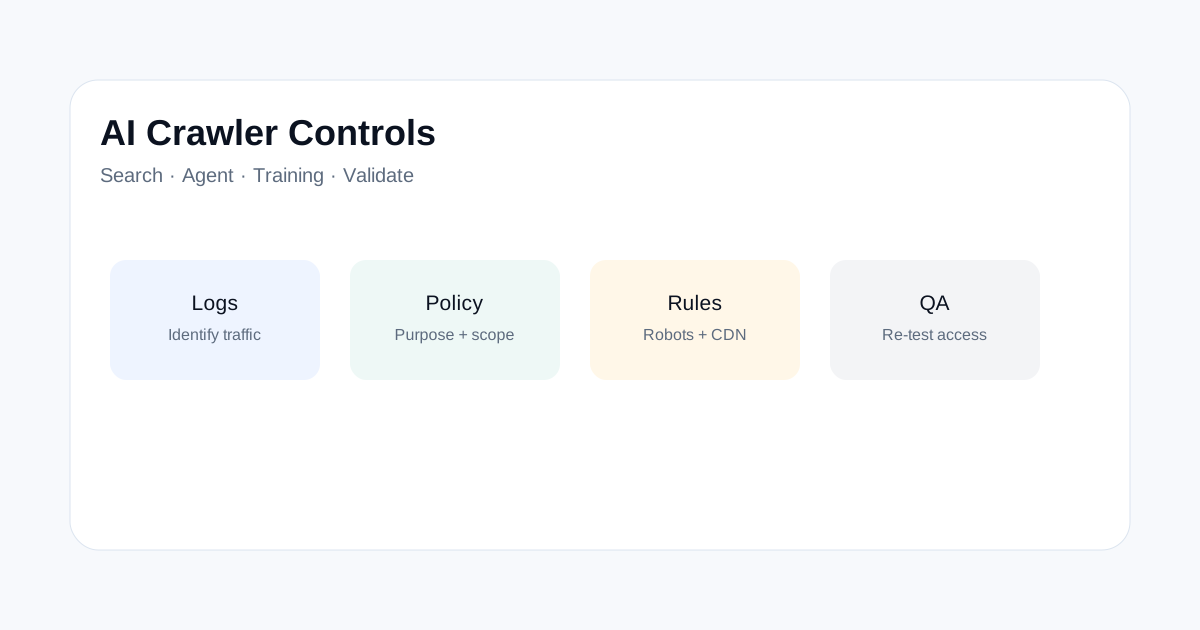
Audit before changing anything
- Export recent bot traffic from server or CDN logs.
- Group requests by user agent and known crawler purpose.
- Check robots.txt and CDN rules together.
- Test important pages with the intended crawler path.
- Watch status codes and response times after changes.
Do not rely on user-agent text alone
A user-agent string is useful for investigation but should not be treated as perfect identity proof. Review your CDN documentation and log patterns, and use layered controls when a traffic decision matters.
SEO checks after a crawler policy change
| Check | Pass condition |
|---|---|
| Googlebot | Important indexable pages remain reachable. |
| Sitemap URLs | Key URLs return successful responses. |
| AI search access | Your intended AI discovery traffic is not blocked. |
| Server load | Rules reduce unwanted traffic without hurting useful crawlers. |
Keep robots.txt and CDN policy aligned
Robots.txt communicates crawl preferences, while a CDN or firewall can enforce network-level controls. Document both. A rule that looks harmless in one layer can have a very different effect when another layer blocks the same request.
Related ToolBoxKart guides
For robots testing, see how to test robots.txt. For redirect checks, read the redirect-chain audit. For response headers, see the HTTP response header workflow. For sitemap validation, read the XML sitemap validation guide.
Frequently asked questions
Should a site block all AI crawlers?
Not automatically. Decide based on the traffic type, business goal and risk.
Does robots.txt control every automated request?
No. Network and application controls can also affect crawler access.