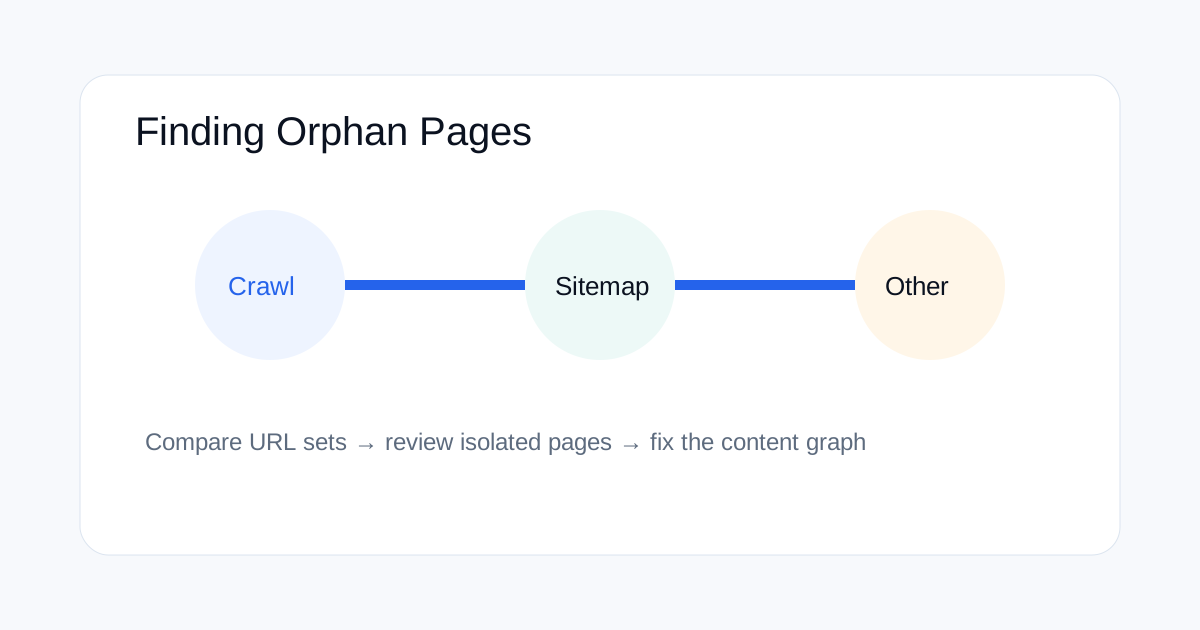
Orphan pages are URLs that exist on a site but receive no useful internal links from the pages you have discovered. They can be easy to miss because a URL may still be in a sitemap, accessible directly, or linked from an external source. A practical orphan-page audit compares a crawl's discovered URLs with the XML sitemap, analytics data and other URL sources.
What is an orphan page in technical SEO?
An orphan page is a page with no meaningful internal links from the site's crawlable page network. The exact definition can vary by audit method, but the key idea is the same: the URL exists while the site's normal navigation and content graph does not clearly point to it.
An orphan does not automatically mean the page is bad. A campaign landing page, legal URL or intentionally isolated resource may have a valid reason to exist. The audit goal is to identify URLs that are isolated by accident.
Why a sitemap alone cannot find every orphan
A sitemap is a URL discovery source, not a map of internal relationships. A URL can appear in a sitemap and still have no contextual internal link. Conversely, a URL can be discoverable through a crawl but not appear in the sitemap.
This is why the strongest audit compares several sets of URLs rather than trusting one source.
Which URL sources should you compare?
| Source | What it can reveal |
|---|---|
| Crawl | URLs discovered through internal links |
| XML sitemap | URLs the site declares for discovery |
| Analytics | URLs that receive visits or other activity |
| Search Console | URLs receiving Search visibility or indexing signals |
| Server logs | URLs requested by crawlers and users, where available |
How to build the orphan-page comparison
Start with a full crawl that follows internal links. Export the discovered HTML URLs. Then collect the canonical URLs from your XML sitemap and, where useful, landing-page or analytics exports.
Normalize the lists before comparing them. Remove fragments, standardize hostnames, decide how trailing slashes are handled, and exclude obvious tracking parameters. The comparison is only useful when the same URL format is used.
How to interpret the different orphan patterns
If a URL is in the sitemap but not in the crawl, it may be an orphan or it may simply sit outside the crawl's start path. If it is in analytics but not in the sitemap, it may be a legacy page, a landing page or a page discovered through external traffic.
If a URL appears in Search Console but not in the sitemap or crawl, investigate where Google found it. It may have external links, old internal links, redirects or other discovery paths.
When an orphan page should be linked
Add an internal link when the page serves a real user need that is also connected to another page's topic. For example, a detailed technical guide can be linked from a broader SEO article that introduces the problem.
Avoid adding links just to remove an orphan label. The goal is to improve the content graph, not to create artificial relationships.
What if the page should not be discoverable?
Some isolated pages are intentional. If a URL is temporary, private, obsolete or part of a special workflow, the correct action may be to remove it, redirect it, or keep it outside the normal internal content graph.
Do not automatically add every sitemap URL to navigation. First confirm whether the page deserves to be part of the site's public information architecture.
How orphan pages affect internal linking
Internal links help users discover related content and help crawlers move through a site. An isolated page has fewer contextual signals from your own site. That does not guarantee poor rankings, but it can make the relationship between pages harder to understand.
A good fix often involves one or two strong contextual links rather than a large navigation overhaul.
How to run this audit on a large site
Automate the URL comparison and send the result into an audit sheet with columns for URL, source, status, canonical, content type, owner and recommended action. Then group by template or directory to find patterns instead of reviewing thousands of rows individually.
Pay special attention to new publishing systems, migrations and filtered URL structures. These areas commonly create accidental gaps between the sitemap and the internal link graph.
How to verify a fix
After adding an internal link, crawl the affected section again and confirm that the URL is now discovered through a normal internal path. Check the destination status, canonical and anchor context as well.
For important pages, review the sitemap and Search Console after the change. Keep the original audit record so you can see which URLs were intentionally fixed, redirected or removed.
Practical orphan-page checklist
Collect crawl URLs, sitemap URLs and other useful discovery sets. Normalize them. Compare the sets. Review candidates manually. Classify each URL as keep, link, redirect, remove or investigate. Then validate the changes through another crawl.
Related ToolBoxKart guides
For sitemap QA, read how to validate an XML sitemap before publishing. For crawl-control checks, see how to test robots.txt for SEO. For redirect problems that can affect discovered paths, use the redirect-chain SEO guide. For page-level crawl data, see Screaming Frog Custom Search for SEO audits.
Frequently asked questions
Are all orphan pages a problem?
No. Some URLs are intentionally isolated. The problem is accidental isolation of pages that should be part of the site's useful content graph.
Can a sitemap remove an orphan-page problem?
No. A sitemap can help search engines discover a URL, but it does not replace useful contextual internal links.
What is the best data source for finding orphans?
A comparison of crawl data, sitemap URLs and other sources such as analytics or Search Console is stronger than relying on one source alone.