Technical SEO audits often focus on HTML, canonicals and links while missing the HTTP response itself. A response-header audit can find indexing, caching, redirect and content-type problems before they become ranking or rendering issues.
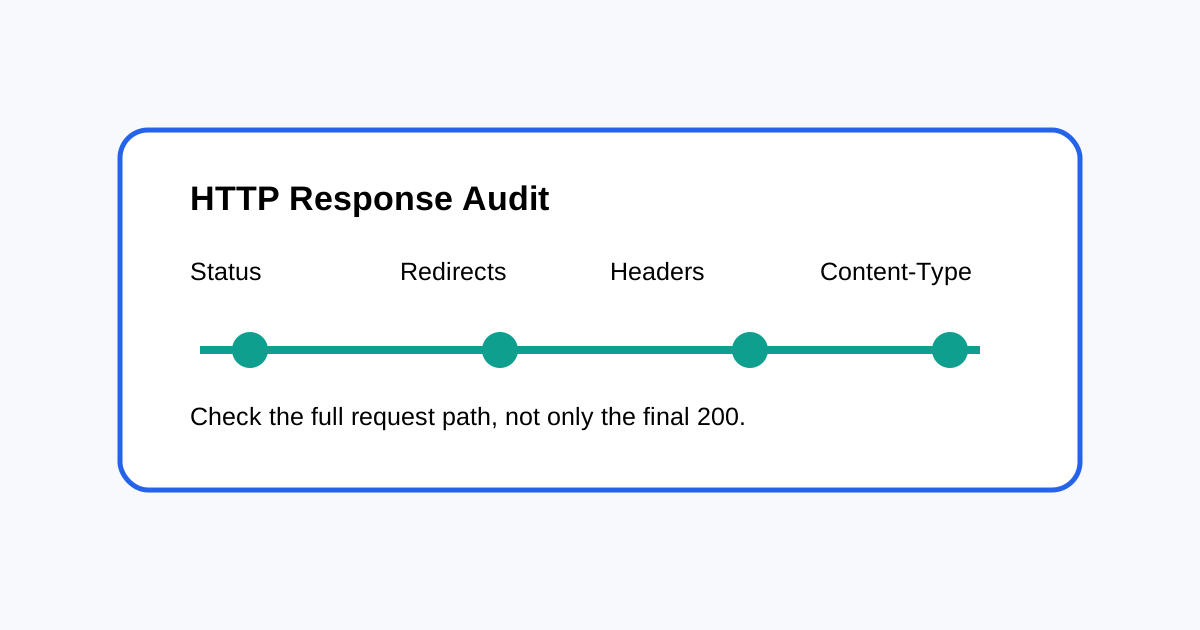
What to check in an HTTP response
- Status code and redirect chain.
- Content-Type.
- Canonical and robots signals.
- Cache headers where relevant.
- Compression and transfer behavior.
- Unexpected server errors.
Why status code alone is not enough
A page returning 200 can still have an indexing problem. A redirect can also return a successful final status while adding unnecessary hops. The goal is to understand the complete request path and the final page response.
Audit redirects
Check whether HTTP-to-HTTPS, www/non-www and old URL redirects resolve directly to the preferred URL. Long chains waste crawl resources and make migrations harder to debug.
Check content type and response behavior
HTML should be served as HTML. Incorrect content types can affect how browsers and crawlers interpret resources. Also check whether compression is working as expected for large text responses.
Review cache headers carefully
Caching is mainly a performance and infrastructure concern, but stale content can complicate SEO testing. When a page has recently changed, make sure your test is seeing the intended version and not an old cached response.
Build a repeatable header audit
- Select important templates.
- Request representative URLs.
- Save status, headers and redirect history.
- Compare expected and actual values.
- Retest after server or CDN changes.
Do not fix every header with SEO rules
Some headers belong to application and infrastructure teams. SEO should define the required outcome, then work with developers to implement it safely. Avoid changing caching, security or server behavior only because a crawler report displays a warning.
Related ToolBoxKart guides
For canonical control, read Canonical Tags for Faceted Navigation. For redirects, see How to Check Redirect Chains for SEO. For robots rules, use How to Test Robots.txt. For page-level inspection, read Search Console URL Inspection for SEO.
Frequently asked questions
Should every URL be checked manually?
No. Start with important templates and use crawl data to find exceptions.
Is a 200 response proof that a page is indexable?
No. Indexability depends on several signals, not only the HTTP status.
Why audit headers after a migration?
Migrations often change redirects, caching and server behavior. Header checks can catch problems that page-level crawls miss.