Google's Gemini desktop app for Windows became available on September 11, 2026, giving Windows users a faster way to bring Gemini into the work already happening on their PC. The useful change is not only the app itself but the lower friction between a document, browser tab or project and an AI assistant.
What the Windows launch changes
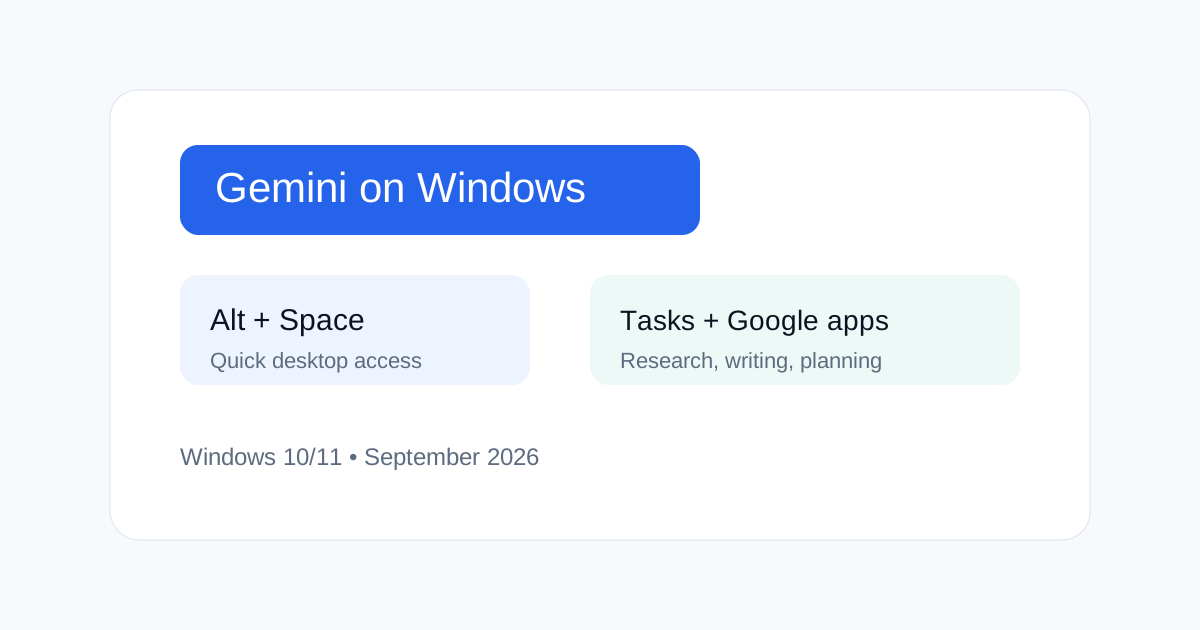
The Gemini Windows app can be opened with Alt + Space and can work beside other desktop applications. Google says the app supports tasks such as drafting, research, summaries and creative work, with supported connections to Google services.
Why desktop access matters
A browser tab creates a small but repeated switching cost. A desktop shortcut makes AI available at the point where the task happens. That can help with short research questions, rewriting, meeting notes and content planning.
How SEO teams can use Gemini on Windows
SEO teams can keep a crawl export, spreadsheet or CMS open while using Gemini for clustering, content briefs, title variations or report summaries. Keep the source data visible and ask Gemini to identify missing evidence instead of filling gaps.
Do not confuse convenience with permission
The desktop shell does not mean Gemini should have unrestricted access to local files or connected accounts. Review account permissions and keep confidential customer, financial and credential data out of prompts unless your organization's policy allows that use.
A repeatable desktop workflow
- Open the source document or dataset.
- Define the exact task and output format.
- Give Gemini only the context it needs.
- Ask it to flag uncertainty and missing data.
- Check the result against the original source.
Where the app fits with Gems and agents
Desktop access becomes more useful when paired with repeatable instructions. For a focused SEO workflow, a Gem can provide a stable process while the Windows app provides fast access. Agent-style tasks still need permission boundaries and human review.
Related ToolBoxKart guides
See the Gemini Gem for SEO Content guide, Gemini API features and pricing guide, Claude vs ChatGPT vs Gemini comparison, and AI Agent Architect guide.
Frequently asked questions
What shortcut opens Gemini on Windows?
Google says Alt + Space opens the Gemini Windows experience.
Is the Windows app a replacement for the browser?
No. It is another access point. The browser remains useful for web research and multi-tab workflows.
Should business users connect every Google service?
No. Connect only the services and data needed for the approved workflow.