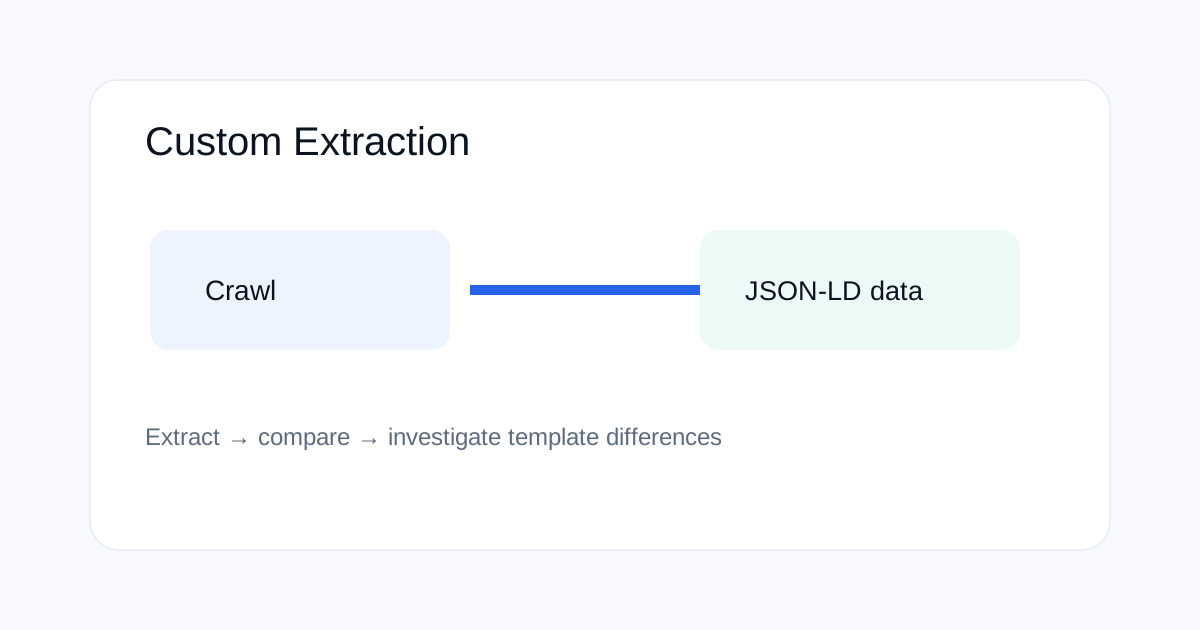
Screaming Frog can turn a structured-data audit from a page-by-page task into a crawl-level check. The useful workflow is to extract JSON-LD fields, compare patterns across templates and then investigate pages where required properties are missing or inconsistent.
Why crawl-level structured data checks matter
A schema template can be correct on one URL and wrong on thousands of pages. Crawling the site lets you find the pattern instead of relying on a few manual samples.
What to extract
Start with the schema type, headline, URL, image, author, date and key properties that matter to the template. Keep the extraction focused so the crawl output stays useful.
Compare templates, not just pages
Group results by URL pattern or page type. If one blog template has an author field and another does not, the difference is more useful than a simple count of pages containing JSON-LD.
Validate before changing schema
Custom extraction shows what exists. It does not by itself prove that Google's structured-data parser accepts every field. Use Google's documentation and validation tools for the final check.
A repeatable audit process
- Crawl a representative sample first.
- Extract the fields you actually need.
- Group by template or directory.
- Investigate missing or conflicting values.
- Validate corrected markup before wider deployment.
Common mistakes
Do not add every possible schema property simply because it exists. Mark up information that is actually present and useful. Also avoid creating schema that describes a page differently from what a visitor can see.
Related ToolBoxKart guides
Use Screaming Frog Custom Search, review Google robots metadata, validate your XML sitemap, and check redirect chains during a broader technical audit.
Frequently asked questions
Can Screaming Frog audit JSON-LD across a whole site?
Yes. Custom extraction can collect repeated page elements during a crawl.
Does extraction prove a schema is valid?
No. It shows what the crawler found. Use the relevant validation and documentation checks as a second step.
What should be extracted first?
Start with the schema type and a small set of important properties tied to the page template.