Google Ads API v24.2 adds changes around AI transparency, security and reporting. For developers and SEO or paid-search teams, the useful question is not just what endpoints changed. It is which changes affect the way automated reporting and campaign workflows should be built.
Start with the release notes
API changes should be checked against the official release documentation before code is changed. Record the version, affected service and migration requirement in the project notes.
Where automation teams should focus
- Review reporting changes before changing dashboards.
- Check security updates before rotating credentials or permissions.
- Test AI-related reporting fields in a non-production environment.
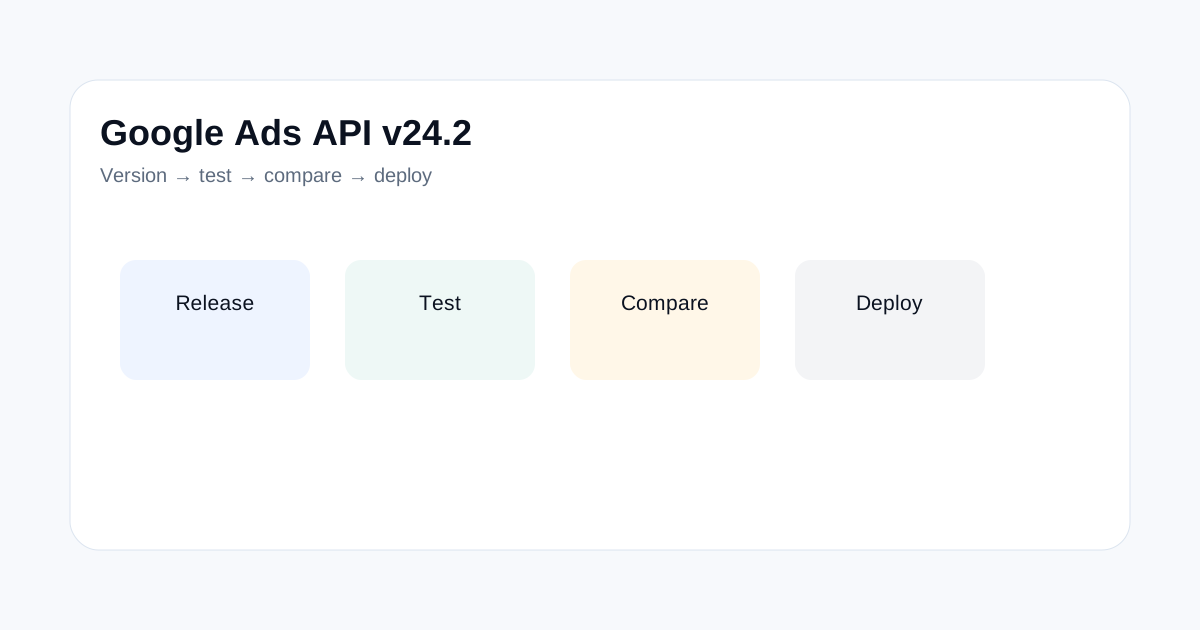
- Compare old and new outputs before replacing a production job.
Build a version-aware reporting workflow
- Pin the API version your integration expects.
- Run a test request and save a known-good response.
- Compare the same request after an upgrade.
- Flag missing or renamed fields before deployment.
- Monitor scheduled jobs after the change.
Do not automate blind field mapping
Marketing APIs can change data structures while keeping the business concept familiar. A dashboard that silently maps a new field into an old metric can create a reporting problem that looks like a performance change.
Useful QA checks
| Check | Why |
|---|---|
| Schema | Detect changed fields. |
| Counts | Compare record volume. |
| Totals | Check important business metrics. |
| Errors | Catch rejected or deprecated requests. |
Related ToolBoxKart guides
For marketing automation context, see the ChatGPT and Amazon Ads guide. For UTM tracking, read the UTM naming guide. For marketing metrics, use the Marketing Metrics Calculator. For ROAS, use the ROAS Calculator.
Frequently asked questions
Should every Ads API update require a rewrite?
No. First identify the services and fields your integration actually uses.
How should teams test API upgrades?
Compare known-good requests and outputs in a controlled environment before production rollout.