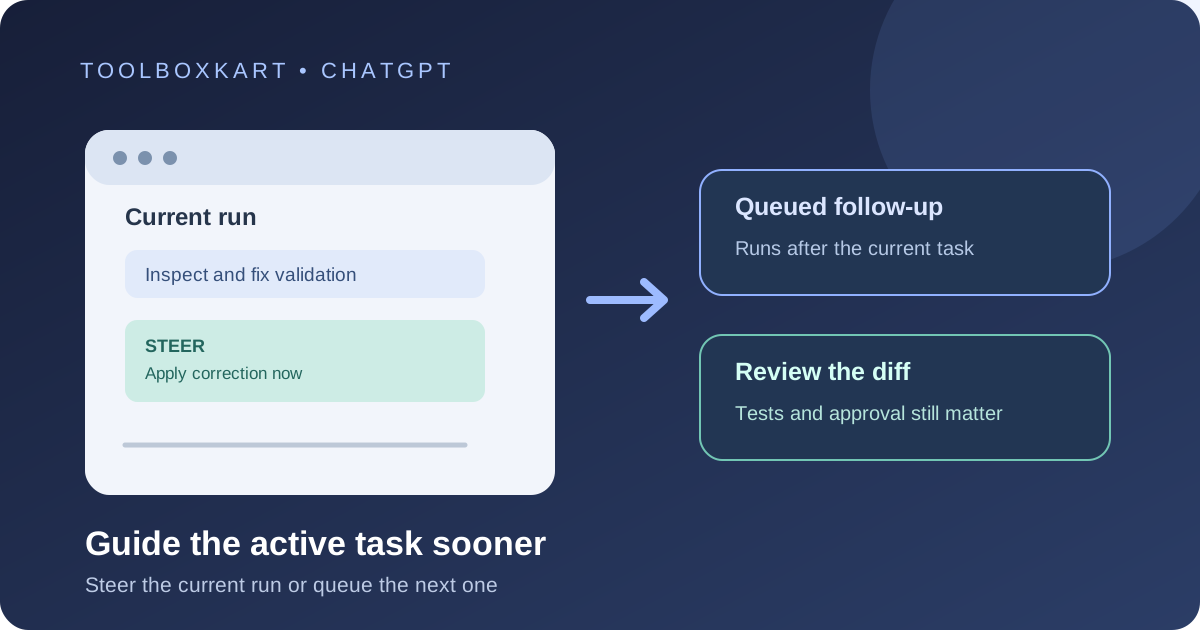
OpenAI announced faster steering for Codex in the ChatGPT desktop app on October 8, 2026. It is designed to let a follow-up instruction change a running coding task sooner. You can choose whether new messages steer the current run or wait in a queue for the next run. The rollout is gradual, so not every account will see the faster behavior at the same time.
What faster steering changes
Codex is an AI coding agent that can read a project, make code changes and help review work. A long task can go off track when the agent misunderstands a requirement or when you notice a missing constraint after it has started. Faster steering is meant to reduce the delay between sending a correction and Codex responding to it.
This is a workflow improvement, not a new model announcement. OpenAI's release note says the desktop app can respond to changes sooner when you send a follow-up while a task is running. It does not promise that every instruction will be applied immediately or that work already completed will automatically be undone.
Steer and Queue do different jobs
Steer adds your message to the current run so Codex can adjust its approach. Queue saves the message for the next run, after the current work finishes. Steer is useful when the active task needs a correction now. Queue is better when the next request depends on reviewing the current result first.
How to change the desktop setting
- Open the ChatGPT desktop app and start or reopen a Codex task in a project you can access.
- Open Settings → General → Follow-up behavior.
- Choose whether follow-ups should steer the current run or wait in a queue.
- When Codex is working, send a short correction that says what should change and what must stay unchanged.
- Review the resulting diff, tests and command output before accepting the change.
OpenAI says queued messages appear above the composer, where you can edit, reorder, send or delete them.
Examples of useful steering messages
Try a clear instruction such as: “Stop the broad refactor. Keep the public function names and current file layout. Fix only the failing validation path, add a regression test, and show me the diff before making other changes.” This gives Codex a concrete boundary instead of a vague request to try again.
If the agent has already changed files or run commands, inspect the result rather than assuming a new message reverses earlier actions. Use your project's normal tests and review process before merging code.
When to steer and when to queue
| Situation | Choice | Reason |
|---|---|---|
| The agent is using the wrong approach | Steer | The current run needs a correction. |
| You need to add a missing requirement now | Steer | The active task should account for it. |
| You want a separate task after reviewing the diff | Queue | The next task depends on the first result. |
Availability and limits
OpenAI says faster steering is rolling out in the ChatGPT desktop app and availability varies. The release note does not list a separate price for this change. Codex access, usage limits and workspace controls still depend on the account and plan. Codex Cloud has separate eligibility and workspace requirements, so do not assume a desktop steering update grants cloud access.
OpenAI's help page also describes steering and queuing in Codex CLI, where Enter steers a running task and Tab queues a follow-up. That existing CLI behavior is separate from the faster-steering rollout announced for desktop.
For related developer context, see our OpenAI DevDay developer recap and our guide to OpenAI Dots.
Frequently asked questions
Where is the setting?
In the ChatGPT desktop app, open Settings, then General, then Follow-up behavior.
Does steering undo earlier changes?
Do not assume it does. Inspect the diff and tests, then request a correction or revert if needed.
Is faster steering available to every user?
OpenAI says it is rolling out, and availability varies.