SERP Monitor released version 3.0.0 on September 14, 2026 with an AI Tracker that can track Google AI Overview visibility and citation rate daily. For SEO teams, the useful part is not the feature announcement alone. It is how to combine third-party prompt tracking with first-party Search Console data without mixing different metrics.
What the new AI Tracker does
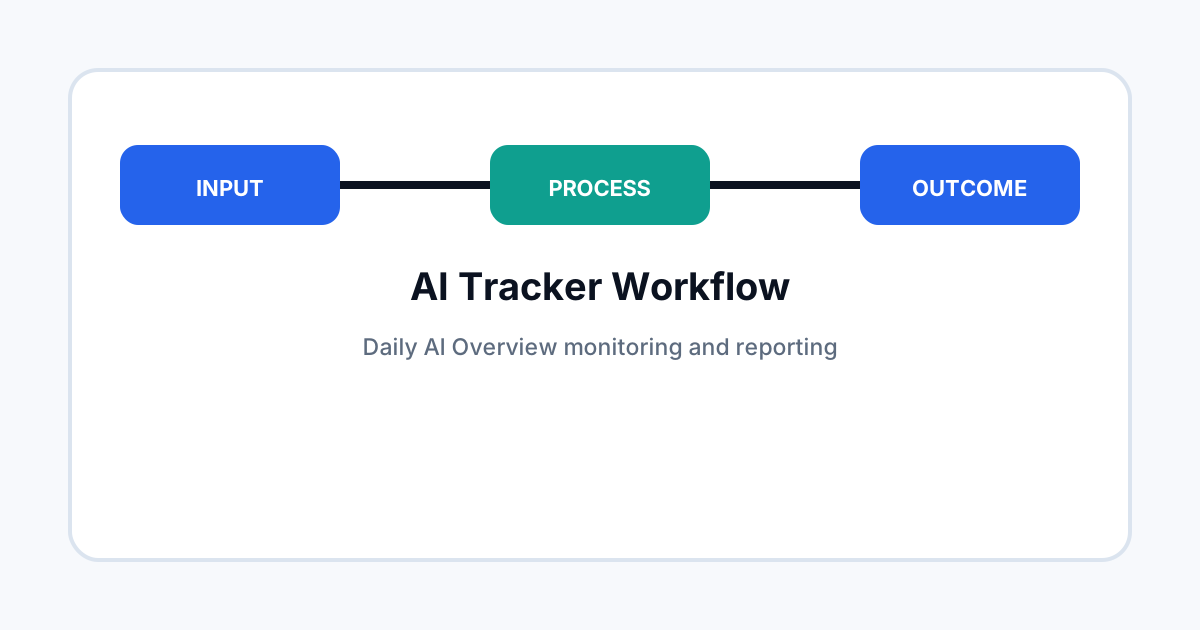
SERP Monitor’s changelog says version 3.0.0 adds an AI Tracker for daily Google AI Overview keyword monitoring, including AI visibility and citation rate.
This can fill a useful measurement gap: Search Console can provide Google-owned generative-AI impression data, while a rank-tracking system can give you a fixed keyword set and repeated observation of AI results.
Keep the datasets separate
| Dataset | Best use |
|---|---|
| Search Console | First-party Google Search visibility and page-level performance. |
| AI Tracker | Fixed keyword monitoring and observed AI Overview citations. |
| Analytics | Engagement and business outcomes. |
Do not add all three into one score unless the calculation is documented. A citation rate is not the same thing as an impression rate.
Build a fixed keyword set
Start with important commercial, informational and brand queries. Keep the list stable for at least several weeks so changes can be compared against the same sample.
Record country and device where the tool supports those dimensions. Search results can change by market and interface.
What to record each day
- Whether an AI Overview appeared.
- Whether your domain was cited.
- Which page was cited.
- Competitor domains that appeared.
- Query category and intent.
- Country and device settings.
This creates a small observation dataset that can explain why Search Console numbers move.
How to investigate a citation loss
Do not rewrite the page after one missed citation. Check whether the query still produced an AI Overview, whether a different page from your site was cited, and whether the result changed across several observations.
Then inspect the cited competitor pages. Look for differences in evidence, freshness, structure and search intent rather than simply copying their wording.
Use Search Console as the outcome layer
Once a keyword sample shows a visibility change, check Search Console for page and country trends. The two tools answer different questions, so disagreement is not automatically an error.
For example, a page may be cited for a small prompt set while its overall AI impression volume remains flat. Conversely, AI impressions can rise without the tracked keyword sample showing more citations.
Where this tool fits in an agency workflow
- Use the tracker for a stable prompt or keyword sample.
- Use Search Console for first-party visibility data.
- Use analytics for engagement and conversion.
- Annotate major Google or site changes.
- Review the full set before recommending content changes.
Common mistakes
Avoid changing keywords every day, treating a single AI Overview as a trend, mixing paid and organic results, and using a citation rate as a direct proxy for revenue.
Also document tool settings. A change in country, device or keyword set can create a measurement break that looks like an SEO change.
Related ToolBoxKart guides
For first-party AI data, read Search Console AI Performance Report Guide. For a broader reporting framework, see Google AI Search Visibility Report. For query grouping, use How to Use Google Search Console Regex. For tool selection, compare Top AEO Tools for SEO Automation.
Frequently asked questions
Does AI Tracker replace Search Console?
No. It provides a different view based on tracked searches, while Search Console provides first-party Google data.
How many keywords should I track?
Start with a small, stable set of high-value queries and expand only after the measurement process is consistent.
Should every citation loss trigger a content update?
No. Confirm that the pattern is real before changing a page.