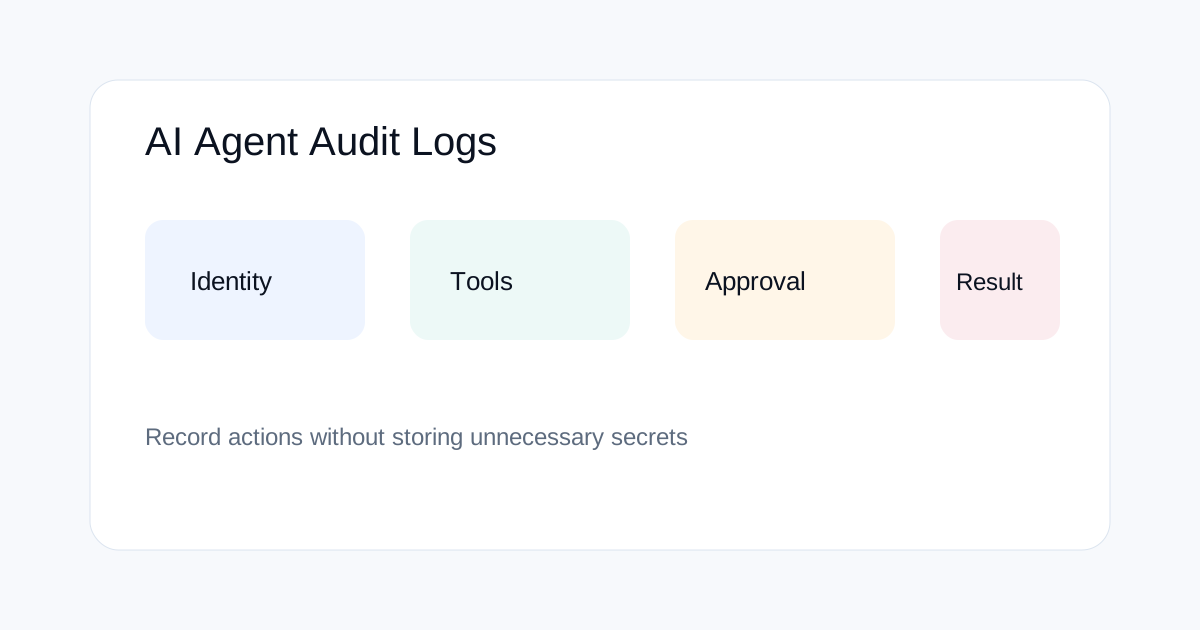
AI agents need audit logs that show more than the final answer. When an agent can browse, call APIs, edit files or initiate actions, a useful log should let a reviewer reconstruct what the system tried to do, what permissions it had, which tools it used and what side effects occurred.
Why ordinary application logs are not enough
A normal application may log a request, response and error. An agentic system can make several decisions between those events. It may inspect context, choose a tool, retry, change its plan and then perform an external action.
That makes the decision path part of the operational record. You do not need to log private chain-of-thought, but you do need enough structured information to understand the system's actions.
What an AI agent audit log should contain
| Field | Why it matters |
|---|---|
| Agent/run ID | Connect all events from one execution |
| Model/version | Identify the software behavior involved |
| Tool and target | Show which external capability was used |
| Permission state | Record what the agent was allowed to do |
| Approval event | Show whether a human approved a sensitive action |
| Outcome | Record success, failure or blocked action |
| Timestamp | Reconstruct the sequence |
Log the tool call, not just the final message
If an agent says it completed a task, the log should still show the actual tool calls that produced the result. Record the tool name, target system, action class, request status and result status. Avoid storing unnecessary secrets or complete sensitive payloads.
A compact event such as “calendar:create_event approved=true result=success” can be more useful operationally than saving a huge model transcript.
Record permissions at the time of action
Permissions can change during a long workflow. A log should therefore capture the effective permission state at the moment a sensitive action occurred. This helps answer questions such as whether the agent had write access, whether approval was required and which policy allowed the operation.
Keep the policy identifier or version as part of the event when possible. That makes later investigations reproducible after policy changes.
How to handle human approvals
Approval logs should show what was approved, by whom or by which approval channel, when it happened, and whether the approved action matched the action that was finally executed.
Do not treat “approval requested” as “approval granted.” Those are separate states. A secure workflow also records rejected, expired and bypassed approval attempts.
How to protect sensitive information in logs
Logs can become a second security problem. Do not copy passwords, API keys or private tokens into an audit stream. Redact sensitive values at the logging boundary rather than relying on someone to remove them later.
Apply retention rules as well. Different classes of logs can have different retention periods based on security, legal and operational requirements.
How to detect suspicious agent behavior
Structured events make detection easier. Useful signals include repeated permission failures, unexpected destinations, unusual tool sequences, rapid retries, access to resources outside the normal task scope and actions that continue after an approval was denied.
Use these signals as investigation triggers rather than assuming every anomaly is malicious. Some may come from ordinary errors or changes in connected systems.
What to record for external side effects
When an agent changes another system, record the target, action type, external request identifier where available, result and rollback status. Payment, deletion, publishing, messaging and account-permission changes deserve stronger records than read-only lookups.
This is also where idempotency matters. A retry should be distinguishable from a second intentional action so reviewers can see whether a duplicate side effect occurred.
How logs help AI evaluation
Audit logs are useful before production too. During evaluation, they can show whether an agent took unnecessary actions, selected the wrong tool, retried excessively or crossed a permission boundary.
That turns evaluation into a system-level exercise rather than a collection of model answers. The same evidence can later help diagnose incidents in production.
A practical event structure
A simple event can contain a timestamp, run ID, agent ID, model version, tool name, action type, resource class, permission state, approval state, result and error category. Store payload references separately when large or sensitive data needs stricter access.
Keep the schema stable enough that security tools can query it. Changing event names every time the agent changes makes long-term analysis harder.
How to test your logging system
Run deliberate cases: successful read, failed read, denied write, approved write, tool timeout, retry, unexpected destination and aborted run. Then confirm each scenario creates enough evidence to reconstruct the action without exposing secrets.
Also test the logging path itself. If the agent fails, the system should still record the failure where practical. Audit data that disappears whenever the workflow crashes is much less useful.
Related ToolBoxKart guides
For the system structure behind agents, read the AI Agent Architect guide. For access reviews, use How to Audit AI Agent Permissions. For high-risk approvals, see Human Approval Gates for AI Agent Workflows. For payment-specific trust controls, read AI Agent Payments Need New Trust Standards.
Frequently asked questions
Should AI agent logs contain the model's hidden reasoning?
No. Operational auditing can focus on actions, tool calls, permissions, approvals, outcomes and other structured events without storing private chain-of-thought.
What is the most important agent log field?
There is no single field. A run identifier linked to timestamps, tool calls, permissions and outcomes is the foundation for reconstructing what happened.
Should agent logs store full prompts?
Not always. Full prompts may contain sensitive information. Prefer structured metadata and controlled references unless full text is necessary and permitted.