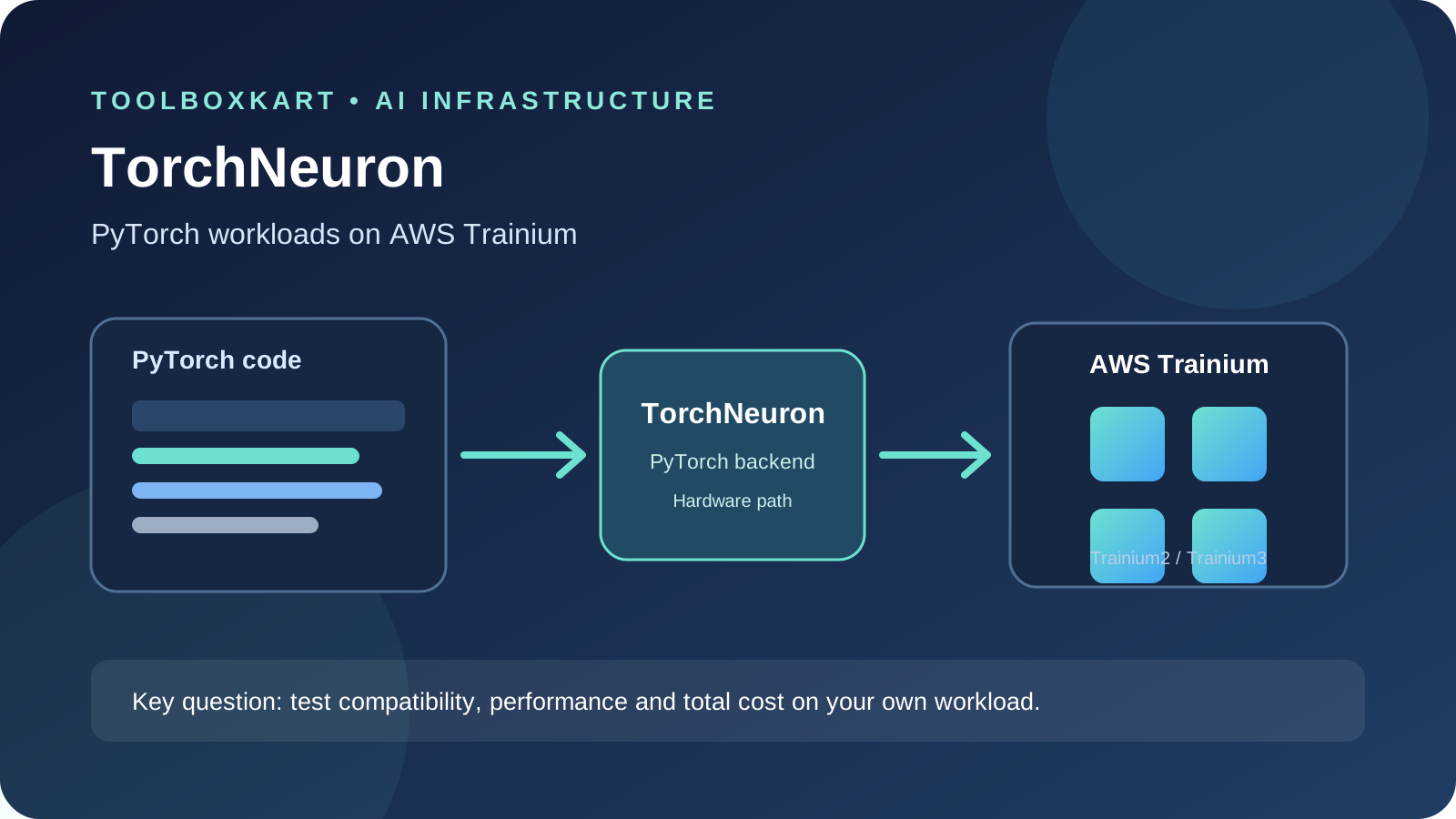
Amazon announced TorchNeuron on October 19, 2026, as a native PyTorch backend for its Trainium AI accelerators. The practical promise is less porting work: teams can try selected existing PyTorch workloads on Trainium by changing the device configuration instead of rewriting the model code. Amazon says the open-source release is planned for the PyTorch Conference North America on October 20, under the Apache 2.0 license. That release is still upcoming as of this article's publication date, so developers should distinguish the announcement from a package they can already install.
What TorchNeuron is designed to change
PyTorch defines the model and training code, but the accelerator backend determines how operations run on particular hardware. Historically, moving a workload to a different accelerator can require changes to device-specific code, kernels, performance tuning and deployment scripts. Those changes also need testing because a model that runs on a new device may behave differently under different precision, memory or operator support.
Amazon describes TorchNeuron as a backend that plugs into PyTorch's existing device mechanism. Its announcement says a demonstration used the same training script on a conventional accelerator and Trainium, with the device setting as the main code difference. That is a company-reported demonstration, not proof that every PyTorch model will run unchanged or achieve the same speed on every supported chip.
Which Trainium generations are in scope?
Amazon says TorchNeuron supports Trainium2 and Trainium3. The company also says it will publish the project under the Apache 2.0 license at PyTorch Conference North America on October 20. Check the official project repository and release notes after that event for the actual package, supported versions, installation steps and known gaps. Do not build a production migration plan from an announcement headline alone.
What developers should verify before switching
A backend that reduces code changes can still require substantial engineering work around the workload. Before comparing Trainium with your current GPU environment, create a reproducible test set and record the software stack. At minimum, capture:
- Compatibility: PyTorch version, Python version, model architecture, custom operators and dependency versions.
- Numerical behavior: output tolerances, loss curves, convergence, deterministic settings and precision choices.
- Performance: warm-up time, steady-state throughput, time to first token for inference, memory use and multi-device scaling.
- Operational fit: instance availability, quotas, storage and data movement, monitoring, deployment tooling and rollback path.
- Total cost: accelerator time plus engineering, idle capacity, retries, checkpointing and any migration work that remains.
Keep the same input data, batch sizes and evaluation criteria across environments. Separate compile or graph-capture time from steady-state execution, and include enough runs to understand variation. If your workload uses custom kernels, unsupported operations or tight latency limits, test those paths first rather than assuming the backend abstracts them away.
How to run a fair first comparison
- Choose one representative workload, not the easiest demo. Include a realistic model size, sequence length, batch size and data pipeline.
- Freeze the model checkpoint, dataset sample, dependency versions and quality checks.
- Run the baseline on the current accelerator and save logs, output checks and cost inputs.
- Repeat on Trainium using the official TorchNeuron instructions once the release is available. Record every configuration change.
- Compare quality and throughput first, then calculate cost per successful training run or inference request.
- Keep a rollback path until the new environment passes sustained-load, failure-recovery and deployment tests.
Do not compare a fully optimized baseline with a first-run target configuration and treat the difference as a hardware result. Conversely, do not spend weeks optimizing a small pilot before checking whether the model and serving requirements fit the platform.
What the announcement does not establish
Amazon's post describes early adopters and its own compatibility testing, but it does not provide a universal cost advantage for every model or workload. It also does not mean the entire CUDA ecosystem is automatically portable. Performance depends on operators, model shape, precision, memory, interconnect, batch size and the software versions involved. Independent teams should reproduce results using their own workloads before committing capacity or rewriting deployment plans.
For a broader migration decision, use a repeatable model evaluation process rather than picking a provider from a single vendor demonstration. ToolBoxKart's AI model switching evaluation workflow covers how to compare quality, latency, privacy and cost before changing a production dependency.
Sources
- Amazon: TorchNeuron and AWS Trainium
- PyTorch Blog: TorchNeuron announcement
- Reuters: Amazon's Trainium and PyTorch announcement