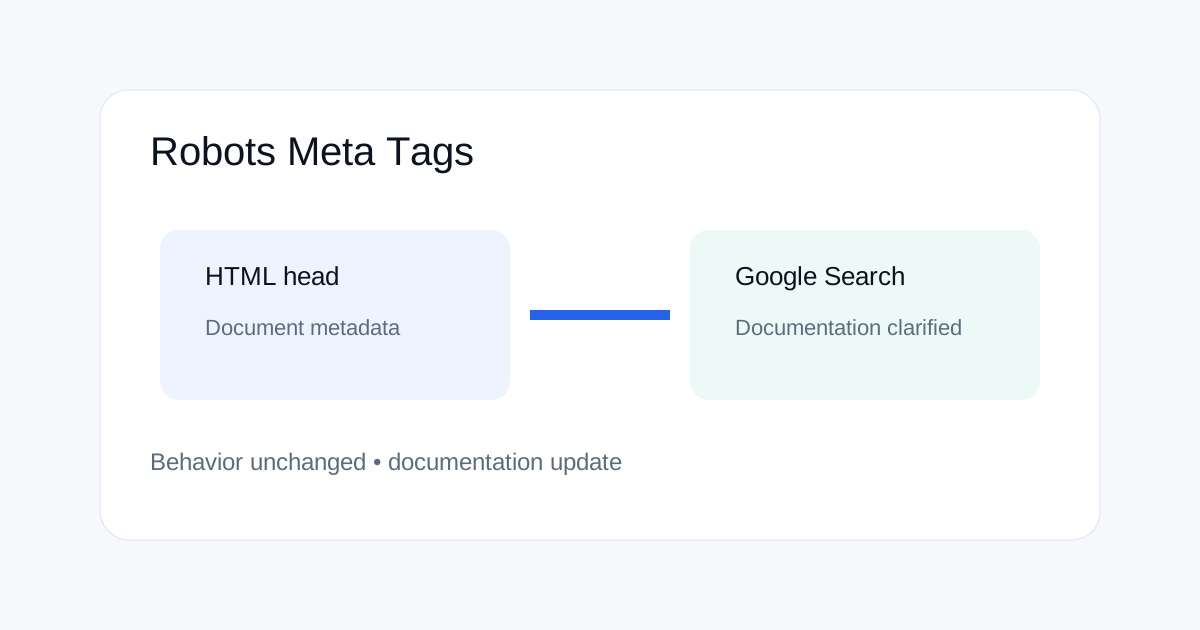
Google updated its Search documentation in March 2026 to clarify how Google Search processes robots meta tags found outside the HTML head. Google said the behavior itself did not change; the documentation was updated because earlier guidance was out of date. This matters to site owners because SEO debugging often fails when teams confuse documentation changes with crawling or indexing changes.
What Google actually changed
Google Search Central's updates page says a note was added to the robots meta tags documentation about tags outside the HTML head. The important part is the second sentence: Google states that the behavior did not change and that the documentation was updated because the behavior had not been fully documented before.
That makes this a documentation clarification, not a confirmed ranking or crawling update. SEO teams should keep the two ideas separate in audits and reports.
Why the HTML head still matters
Robots meta directives are normally placed in the HTML head because that is the standard, predictable location for document-level metadata. When a site moves metadata into unusual parts of generated markup, debugging becomes harder because different render paths can produce different HTML.
For technical SEO, predictable HTML is the safer approach. Keep important robots directives in the head and make sure the server-rendered or rendered DOM contains the intended directive consistently.
Robots meta tags vs robots.txt
| Control | Where it applies | Typical use |
|---|---|---|
| robots.txt | URL crawling access | Control whether crawlers request paths |
| robots meta | Page-level instructions | Control indexing and snippet behavior for a crawled page |
| X-Robots-Tag | HTTP response headers | Apply robots directives through server responses |
Why documentation updates can cause SEO confusion
When an SEO platform posts about a documentation change, readers may assume Google changed how it ranks pages. That is not always true. Google explicitly distinguishes documentation changes from changes in Search behavior in its update history.
A good SEO report should therefore label the event correctly. Use terms such as documentation clarification, Search feature change, confirmed algorithm update, ranking volatility or industry observation based on the evidence available.
How to audit robots directives safely
Start with the raw HTML response and check the head section. Then inspect the rendered HTML if the site uses JavaScript to change metadata. Finally compare the live directive with the intended directive in the CMS or template.
Do not assume that a visible page in a browser means Google received the same HTML. Rendering, redirects, status codes and response headers can all affect what a crawler sees.
Common implementation mistakes
A common mistake is adding conflicting robots signals. Another is blocking a URL in robots.txt while expecting a page-level noindex instruction to be processed. A third is using JavaScript to inject critical SEO directives without checking the final rendered document.
Keep the rule simple: decide whether the crawler should reach the URL first, then decide what indexation and snippet controls should apply after it can be crawled.
How to document SEO changes
Keep a technical change log with the date, URL pattern, exact directive, reason and verification method. When Google updates documentation, record it separately from code or configuration changes on your site.
This makes later traffic analysis easier. A documentation clarification should not be treated as the cause of a traffic drop unless there is separate evidence that search behavior also changed.
When to use X-Robots-Tag instead
X-Robots-Tag is useful when a server can set metadata through HTTP headers, especially for non-HTML resources or cases where central server configuration is easier than editing page HTML. As with robots meta tags, the directive must match the intended crawl and indexation strategy.
Do not use multiple conflicting mechanisms without a reason. The more layers a site has, the harder it becomes to troubleshoot.
A practical technical SEO checklist
For important pages, verify the HTTP status, robots.txt access, canonical, robots meta directive, X-Robots-Tag response headers where used, rendered HTML and sitemap inclusion. Then compare the intended state with what is actually served.
For large sites, repeat this audit for URL patterns rather than checking only one sample page. Templates and edge rules can affect thousands of URLs at once.
What this means for SEO teams
The biggest lesson is precision. A documentation note is useful because it closes a knowledge gap, but it does not automatically mean Google changed how sites rank or index.
When reporting a Google change, cite the exact Google documentation and describe only the behavior Google confirms. This keeps technical SEO reporting clear and avoids turning a wording update into a false algorithm story.
Related ToolBoxKart guides
For crawl control, read how to test robots.txt for SEO. For canonical strategy, see canonical tags for faceted navigation. For broader technical auditing, use Screaming Frog JSON-LD custom extraction and the redirect-chain SEO guide.
New guides from September 12
For today's Google Search change, see Google Europe Search Changes. For crawler byte limits, read Googlebot 2MB HTML Limit. For structured-data auditing, use Screaming Frog Structured Data Audit Workflow.
Frequently asked questions
Did Google change how robots meta tags work outside the head?
Google's Search documentation update says the behavior did not change; the documentation was clarified.
Should robots meta tags be placed in the HTML head?
The HTML head remains the normal and predictable location for document-level metadata. Keeping important directives there makes implementation easier to understand and audit.
Is this a Google algorithm update?
No. Google describes it as a documentation clarification rather than a change in Search behavior.
Sources
- Google Search Central — Latest Search documentation updates
- Google Search Central — Robots meta tag and X-Robots-Tag