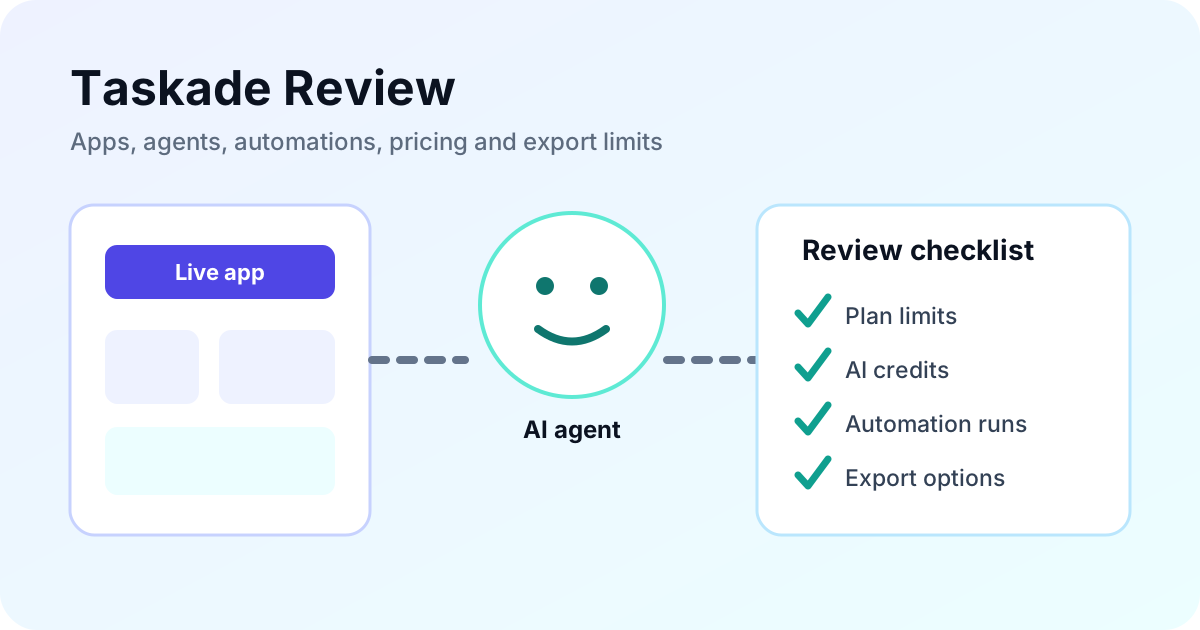
Taskade has moved beyond its earlier identity as a shared task and notes workspace. Its current product combines projects, prompt-built business apps, AI agents and automations in one account. That breadth is useful for a small team that wants a client portal, tracker or internal workflow without assembling several services. It can be excessive for someone who only needs a simple task list. This review uses official product, pricing and export documentation checked October 20, 2026. It is research-based, not a hands-on performance test.
On this page
What is Taskade now?
Taskade describes itself as an AI business app builder. A prompt can create an app with underlying projects, agents and automation flows. Published examples include CRMs, client portals, dashboards, inventory trackers and internal tools.
Projects still organize work and data, but they are now one component of a broader system. AI agents can use workspace knowledge, while automations connect triggers, actions and integrations. This makes Taskade closer to a bundled operating layer for lightweight business workflows than a direct replacement for a conventional to-do list.
The advantage is reduced setup across several products. The tradeoff is that pricing and fit depend on several meters at once: team members, app count, AI credits, automation runs, storage, branding and custom-domain needs.
What does Taskade cost?
With Monthly selected on October 20, Taskade's official pricing page displayed Pro at US$10 per month with 10 users, Business at US$25 per month with unlimited users, Max at US$100 per month and Enterprise at US$250 per month. Confirm the current billing selector, taxes and checkout total before purchase.
| Plan | Headline allowance checked | Main reason to move up |
|---|---|---|
| Free | 2 users, 1 workspace, 3 apps, 1 agent | Try building and clone community apps |
| Pro | 10 users, unlimited apps and agents, 50K AI credits, 1,000 automation runs/month | Small-team apps, agents, integrations and removed watermark |
| Business | Unlimited users, 150K credits, custom domains, analytics, SAML | Branded internal or client workflows |
| Max | 400K credits, autonomous agents, extended thinking | Higher-capacity agent workflows |
| Enterprise | 1.1M credits, SCIM, onboarding and custom SLA | Provisioning and enterprise support |
The Free plan lists AI credits as “earn or buy” rather than a recurring monthly credit amount. The page also displayed extra credit packs from US$5 and a custom-domain purchase from US$5 per year, while bringing an existing domain is described as free. Add-ons and AI use can therefore affect the effective cost beyond the base plan.
Where does Taskade fit well?
One workspace for an app and its workflow
A team can keep the data, interface, agent instructions and automation close together. This can reduce the coordination work involved in connecting a separate database, form builder, chatbot and automation service for a small internal process.
Fast prototypes for operational tools
The product is suitable for testing a client intake portal, simple CRM, dashboard or tracker when a team wants to learn from a working prototype before commissioning custom software. A prompt-built app still needs review of permissions, data quality, edge cases and failure handling.
Integrated agents and connectors
Paid plans list more than 100 integrations, web search and scraping, background agents and always-on automations. This supports workflows where an app collects information and an agent or flow acts on it. “Integrated” does not mean every connector or external API action is included without separate limits or provider charges.
Project exports are available
Taskade's current export guide says Markdown and CSV project exports are available on every plan. Image, plain-text and PDF export require a paid plan. Markdown preserves headings, links and list structure; CSV exports one task per row but excludes custom-field columns.
What are the important limits?
AI credits are a real usage boundary. Pro includes 50,000 monthly credits, Business 150,000, Max 400,000 and Enterprise 1.1 million on the page checked. Teams should measure credit use for their own app builds, agent calls and automation steps instead of assuming “unlimited apps” means unlimited AI consumption.
Automation has a separate allowance. Pro advertises 1,000 runs per month, while higher plans should be checked for their current limits. A workflow that triggers for every incoming form or customer event can use this meter faster than an occasional internal process.
Export documentation covers individual projects, not a complete portable copy of a hosted app, agent configuration, automation runtime or custom-domain deployment. Do not treat Markdown or CSV export as proof that the whole system can move to another platform without rebuilding.
The broad product can also create decision overhead. A person who needs only tasks and reminders may spend time choosing app, agent and automation settings that a simpler product does not require. Teams with a mature database or codebase should compare Taskade's convenience against integration depth and portability.
Who should use or skip Taskade?
Taskade is worth considering when:
- A small team wants an app, agent and automation in one account.
- You need a lightweight portal, tracker, dashboard or internal workflow quickly.
- Ten included Pro users materially improve the team cost.
- You accept credit and automation meters and will monitor them.
Consider an alternative when:
- You mainly need straightforward task management with less product surface.
- Your workflow depends on a mature relational records system.
- You want a dedicated self-hostable automation engine.
- You require portable application code or a verified whole-system export.
The Taskade alternatives guide compares Notion, ClickUp, Asana, Airtable, n8n and Retool by the component they replace. That is more useful than asking for one universal Taskade substitute.
How should you evaluate Taskade?
- Choose one narrow workflow, such as client intake or a sales tracker.
- List the required fields, permissions, integrations and failure cases.
- Build the smallest useful version and record the AI credits consumed.
- Run realistic submissions and verify that the data remains correct.
- Check automation-run use, latency and manual correction time.
- Export a project to Markdown and CSV to inspect what is portable.
- Estimate the plan and add-ons needed after the trial period.
Do not move an important operation after one successful demo. A useful pilot includes incomplete inputs, duplicate records, permission mistakes, failed integrations and a recovery path.
Taskade FAQ
Is Taskade free?
Yes. The current Free plan includes two users, one workspace, up to three AI apps and one AI agent. AI credits are earned or purchased rather than listed as a recurring monthly allowance.
Is Taskade still a project-management tool?
Projects remain part of Taskade, but the current product is positioned more broadly as an AI business app builder combining projects, apps, agents and automations.
Can I export my Taskade data?
Individual projects can be exported as Markdown or CSV on every plan. Image, text and PDF export require a paid plan. That does not establish full portability for hosted apps, agents or automation logic.
Who should consider a Taskade alternative?
Teams that mainly need straightforward tasks, a mature records database, a dedicated automation engine or more portable app code should compare specialist alternatives before committing.

Deepak Parmar is an SEO specialist and web developer with seven years of experience. His software coverage separates verified documentation from editorial analysis and explains limitations alongside recommendations.
Sources
Official sources checked October 20, 2026, in Asia/Kolkata. Pricing, AI credits and feature limits can change. No hands-on app or agent testing was performed for this review.