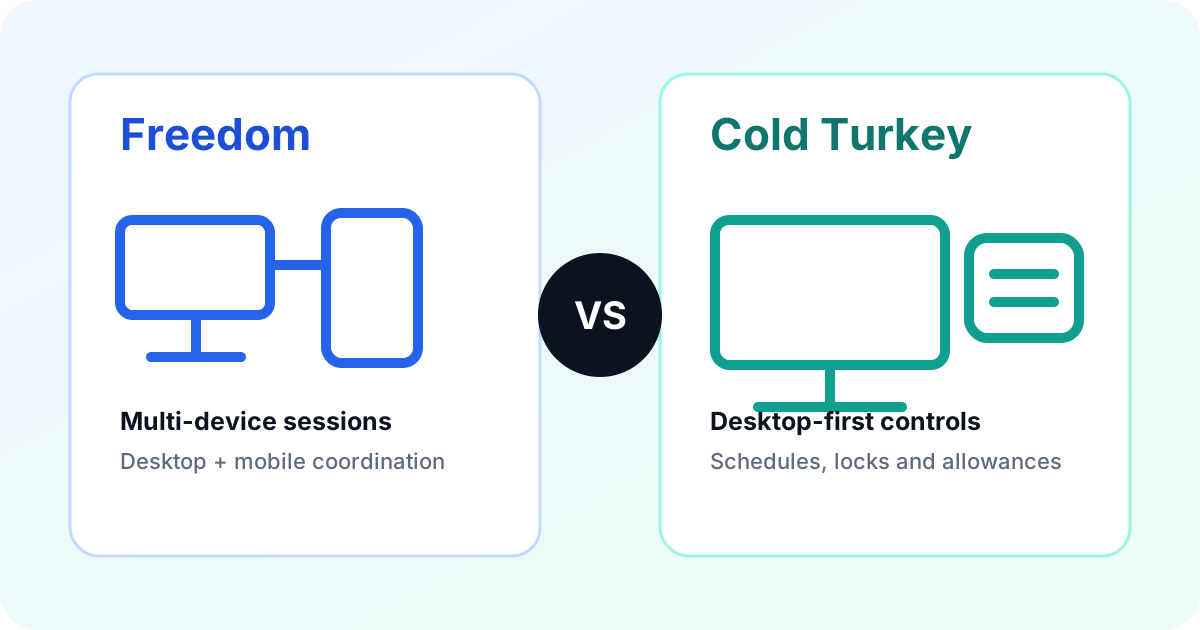
Freedom and Cold Turkey both block distracting websites and apps, but they solve different versions of the problem. Freedom coordinates sessions across desktop and mobile devices. Cold Turkey concentrates on detailed, hard-to-change controls for Windows and Mac computers. That distinction matters more than a generic feature count. This comparison uses official product, pricing and help pages checked October 20, 2026. It is documentation-based research, not a bypass test or a claim that either blocker changes productivity.
On this page
What is the main difference?
Freedom is a multi-device session system. Its current plan page lists Mac, Windows, iOS, Android and Chromebook, with sessions that can synchronize across devices. That is useful when blocking a site on a laptop would otherwise send you to the same service on a phone.
Cold Turkey is a desktop blocker. Its official pricing page supports Windows and macOS and explicitly excludes Linux, ChromeOS, Android and iOS. The narrower platform scope allows it to focus on desktop schedules, application blocking, device blocks, allowances and several lock types.
| Decision factor | Freedom | Cold Turkey |
|---|---|---|
| Best fit | One session across computers and phones | Strict desktop-focused blocking |
| Supported platforms | Mac, Windows, iOS, Android, Chromebook | Windows and macOS |
| Free plan | Start Now sessions up to two hours | Timed website blocks and statistics |
| Paid model checked | Monthly, annual equivalent and promotional lifetime | One-time Pro license |
| Notable strength | Unlimited devices and synchronized sessions | Detailed locks, schedules, breaks and allowances |
Which devices do they support?
Freedom covers the broader device mix. Its pricing page lists website, app or whole-internet blocking across supported platforms, though website exceptions are limited to Mac and Windows. Chromebook support does not include every desktop feature shown for Mac and Windows.
Cold Turkey licenses all Windows and Mac computers you personally use. That is generous within its supported platforms, but it is not phone coverage. If a blocked desktop session simply moves the distraction to an Android phone or iPhone, Cold Turkey alone does not close that gap.
For a desktop-only routine, extra platform coverage may add no value. For a mixed workday across a Windows PC, MacBook and phone, it may be the deciding feature.
How do the blocking controls differ?
Freedom's free tier includes custom blocklists, desktop app blocking, focus sounds and Start Now sessions. Sessions longer than two hours, recurring schedules, Start Later and Locked Mode require Premium. Freedom's central advantage is managing the session across devices rather than building the most granular desktop rule set.
Cold Turkey Free covers timed website blocks, website exceptions and statistics. Pro adds application blocking, scheduled blocks, all lock types, breaks and allowances. Its feature guide lists timer, time-range, typing, delay, schedule, restart and password locks. It also documents Pomodoro breaks, usage allowances and rewarded breaks.
Cold Turkey stores settings and statistics locally on the computer and allows statistics export as JSON. Freedom uses an account to coordinate devices. The better model depends on whether local desktop control or cross-device coordination matters more to you.
Neither product should be described as universally impossible to bypass. Platform permissions, browser support and configuration matter. Test a short session with required email, authentication and work websites before creating a long lock.
How does pricing compare?
Freedom has a real free tier. With the Monthly selector active on October 20, its official pricing page displayed Premium at US$8.99 per month. The Yearly selector displayed US$3.33 per month as an annual-plan equivalent. A 50%-off lifetime promotion displayed US$99.50, reduced from US$199. Promotions and checkout totals can change.
Cold Turkey Free includes a seven-day Pro trial. Its India-localized pricing page displayed Blocker Pro at ₹2,499 as a one-time purchase with lifetime updates on October 20. The license covers personally owned Windows and Mac computers. Students can request a documented 20% discount, and the page states a 30-day refund period.
Do not compare only the headline price. Freedom's recurring or lifetime cost buys phone support and synchronization. Cold Turkey's one-time cost buys detailed desktop controls but not a mobile app. The cheaper product is the one that covers your actual device pattern without requiring another paid blocker.
Which should you choose?
Choose Freedom when:
- You switch between a computer and phone during the same distraction cycle.
- You want one synchronized session across several supported devices.
- A free two-hour Start Now session already covers the need.
- You value simpler cross-device control more than granular desktop lock types.
Choose Cold Turkey when:
- Your distractions are primarily on Windows or macOS.
- You need recurring desktop schedules, app blocking, allowances or several lock methods.
- You prefer a one-time Pro purchase over a recurring subscription.
- Local settings and statistics are important to your workflow.
Keep Freedom if its current plan already works. The broader Freedom alternatives guide compares four other approaches when neither product fits, including FocusMe, SelfControl, Opal and one sec.
Switching checklist
- List every device used during a focus session.
- Record current websites, apps, exceptions, schedules and timezone.
- Choose one short trial session and include required work resources.
- Check the app and website version of the same service where relevant.
- Confirm how a lock can be changed before starting a long session.
- Cancel a subscription separately from uninstalling software.
No automatic transfer between Freedom and Cold Turkey was verified. Expect to rebuild lists and schedules manually, then validate them before retiring the old setup.
Freedom vs Cold Turkey FAQ
Is Cold Turkey better than Freedom?
Cold Turkey is the stronger fit for strict Windows or Mac blocking with detailed locks and a one-time Pro license. Freedom is the stronger fit when one session needs to coordinate across desktop and mobile devices.
Does Cold Turkey work on phones?
No. Cold Turkey's official pricing page supports Windows and macOS and says Android and iOS are not supported.
Can I use Freedom for free?
Yes. Freedom's free tier supports unlimited devices and Start Now sessions up to two hours, but scheduling, longer sessions and Locked Mode require Premium.
Do either of these products guarantee an unbreakable block?
No universal guarantee should be assumed. Each product documents different locks and platform limits, so test the exact settings on a short session before relying on them.

Deepak Parmar is an SEO specialist and web developer with seven years of experience. His software coverage separates verified documentation from editorial analysis and explains limitations alongside recommendations.
Sources
- Freedom plan and pricing page
- Freedom Free and Premium plan guide
- Cold Turkey pricing and platform support
- Cold Turkey features and locking options
Official sources checked October 20, 2026, in Asia/Kolkata. Prices, promotions and plan limits can change.