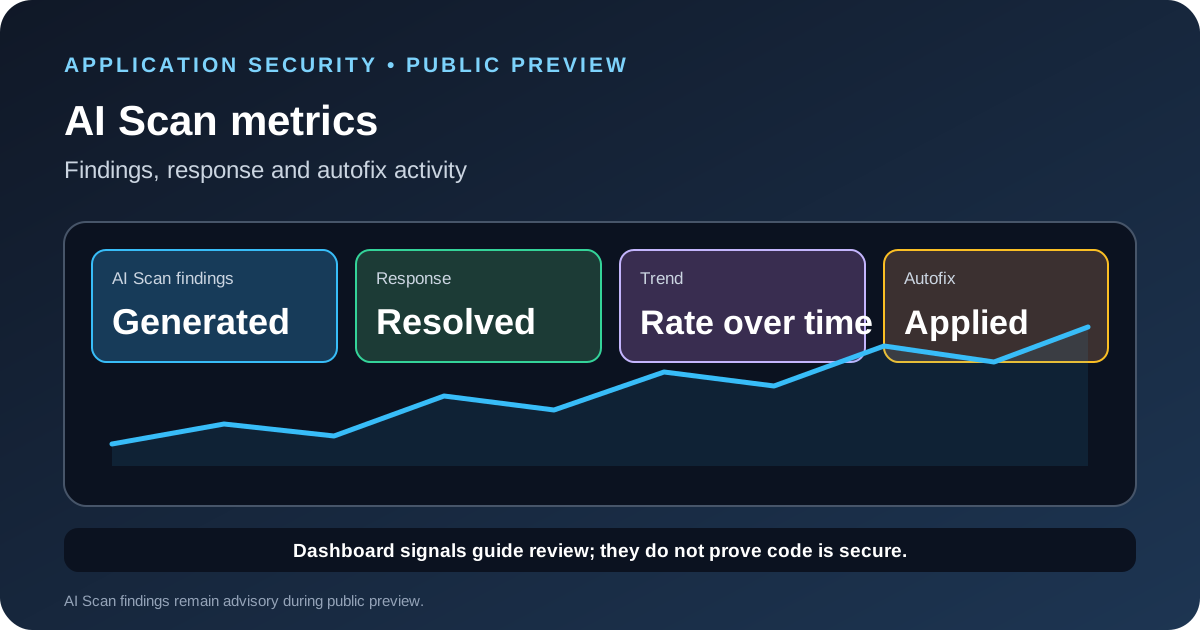
GitHub added AI Scan for pull request metrics to its security overview on October 13, 2026. Organization and enterprise administrators can now review finding counts, resolved findings, remediation rates, repository-level trends and how often developers apply autofix suggestions. The change gives security teams a wider view of the public-preview feature without opening every pull request one by one.
The new view is useful for tracking adoption and developer response, but the numbers should not be treated as proof that an application is secure. AI Scan findings are advisory, and a finding count or autofix action does not by itself tell you whether a vulnerability reached production or whether a fix is correct.
What changed in the security overview
The page previously called “CodeQL pull requests” is now named “Code scanning on pull requests” and has separate CodeQL and AI Scan tabs. The CodeQL metrics remain under the CodeQL tab. The AI Scan tab shows the total number of findings and separates findings that include an autofix suggestion from those that do not.
Administrators can review how many AI Scan findings were generated and resolved, the displayed remediation rate, the repositories producing findings and changes over the selected reporting period. GitHub also reports how often developers applied autofix suggestions. That makes the view more useful for comparing adoption across repositories and seeing whether teams are responding to the findings they receive.
The metrics are organization-level visibility, not a new scanning engine. AI Scan continues to complement CodeQL by looking for security issues in pull requests for languages and frameworks that CodeQL does not cover. The two tabs help separate the signals from each system.
Who can access the preview
GitHub says the metrics preview is available on GitHub.com, including GitHub Enterprise Cloud, for customers with GitHub Code Security or GitHub Advanced Security. GitHub Enterprise Server is not supported for this release. The broader AI Scan documentation says the feature is in public preview, requires GitHub Advanced Security and GitHub Copilot licenses during that preview, and consumes AI credits. Because the announcement and feature documentation describe access at different levels, confirm the entitlement and billing that apply to your organization before planning a rollout.
AI Scan runs when code scanning is enabled, the repository's effective AI Scan setting is enabled and a qualifying pull request changes code in a supported language or framework that CodeQL does not cover. GitHub says the scan can run even if CodeQL analysis is waiting or fails. Findings appear on the pull request and are advisory; they do not block a merge by themselves.
How to read the new metrics without misleading your team
Start by defining the question you want the dashboard to answer. If you are checking adoption, look at which eligible repositories are generating findings. If you are checking response, compare findings generated with findings resolved over the same reporting window. If you are reviewing autofix use, inspect whether suggestions were applied and whether the resulting changes passed your normal review and test process.
Do not compare teams without checking the amount and type of code they changed. A repository with more pull requests or more eligible code may naturally generate more findings. A low finding count could mean that a repository has fewer eligible changes, not that its code is safer. A high remediation rate can also hide important differences in finding severity, age or the number of findings that remain open.
GitHub's announcement names the metrics but does not define every denominator or every organization-specific comparison you may want to make. Use the definition shown in the product and keep the reporting period consistent. Do not invent a formula for remediation rate or compare it directly with a different security metric that uses another denominator.
A practical rollout review
- Confirm coverage first. Check which repositories have code scanning and AI Scan enabled, which languages are eligible and whether the required plans are available.
- Choose a baseline period. Record the reporting window and eligible repository set before you compare results. Keep those boundaries stable during the pilot.
- Review the findings. Sample findings from different repositories and validate their severity and context. A dashboard count is not a substitute for examining representative alerts.
- Track the response. Review resolved findings and autofix use, then confirm that the changes still pass code review, tests and the team's security checks.
- Look for uneven adoption. A repository with no findings may be out of scope, disabled or inactive. Check configuration before treating the absence of findings as a positive result.
- Report limitations with the numbers. State the preview status, licensing requirements and reporting period whenever you share results with leadership.
AI Scan findings should fit into the same review process as other security signals. Our CodeQL 2.27.2 update guide covers changes in GitHub's established analysis engine. Teams that use AI coding agents can also review the MCP server permission checklist before giving an agent access to repositories or other systems.
What the dashboard cannot tell you on its own
The metrics do not prove that every detected issue is exploitable, that every fix is correct or that the application is free from vulnerabilities. AI Scan is in public preview, and GitHub says its findings are advisory. Security teams still need risk-based triage, code review, tests, dependency checks and monitoring.
The strongest use of the dashboard is to make coverage and response visible. Use it to ask better questions: which repositories need attention, which findings remain unresolved and whether developers are using the suggested fixes. Then verify those answers against the code and the controls that protect the deployed application.
Related GitHub security change
GitHub also announced authenticated pusher attribution for commits in a limited Enterprise preview on October 12. That feature addresses a different part of the audit trail: who pushed a commit, rather than what a code scan found. See our guide to GitHub push attribution for the rollout limits and the new committer-matching rule.
How AI Scan differs from CodeQL in practice
GitHub describes AI Scan as an AI-based engine for languages and frameworks that CodeQL does not cover. It can run on eligible pull request changes without a build system and uses code search to gather more context from the repository. It does not require CodeQL default setup, and GitHub says it can still run when CodeQL analysis is waiting or has failed.
Findings appear on the pull request Conversation and Files changed tabs and carry an AI label. They do not appear as backlog alerts in the repository security view, and they do not block merges by themselves. This matters when you compare the dashboard with CodeQL alerts or assume all findings appear in the same place. Keep the scope of each signal clear in your report.
AI Scan also does not use repository custom instruction files such as Copilot or Claude instruction files. Instructions that guide a coding assistant may therefore not change how the scanner evaluates a pull request. Treat the scan as a separate control with its own documented behavior.
A reporting example for security leads
Imagine the dashboard shows more findings this month. Before concluding that code quality fell, check whether the team enabled AI Scan on more repositories, shipped more pull requests or changed more code in languages that CodeQL does not cover. If autofix use rose, inspect a sample of applied changes and confirm that they passed tests and code review. If resolved findings increased, check age and severity as well as count. A trend is useful only when coverage, time period and the measured population stay consistent.
For leadership, report the numbers with their scope: the preview feature, eligible repositories, date range, generated and resolved counts, the remediation rate shown by GitHub, and autofix activity. Add a note about findings that remain open and the review performed. That is more honest than presenting one rate as the percentage of application vulnerabilities fixed.
Sources
- GitHub Changelog: Code scanning AI Scan metrics in security overview.
- GitHub Docs: AI Scan for pull requests.