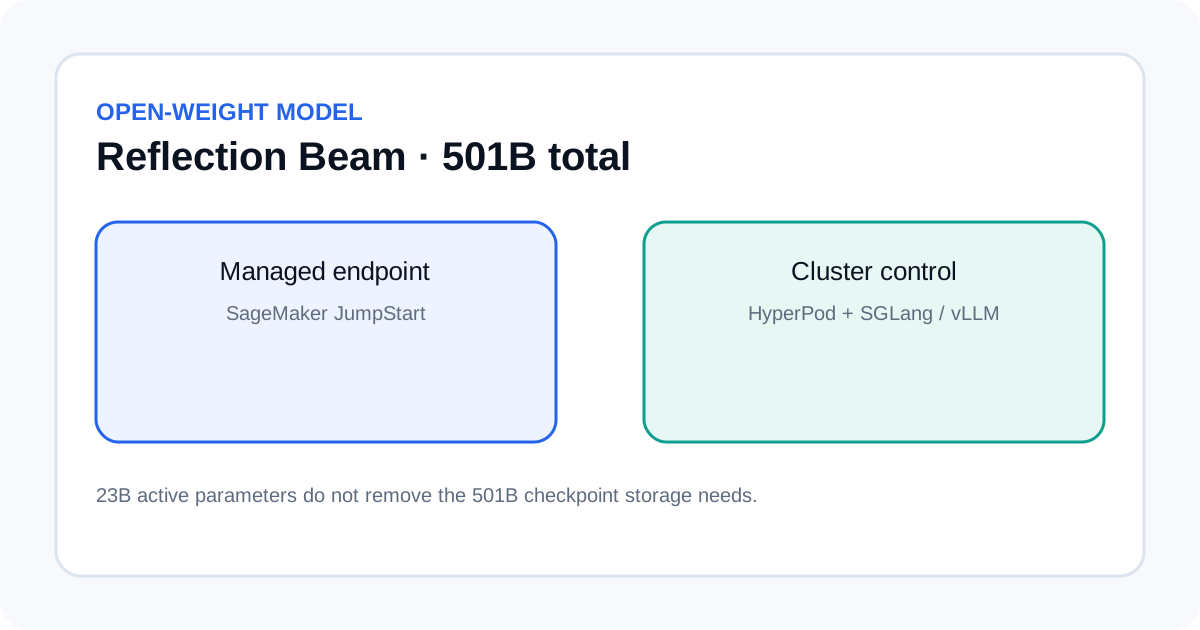
AWS published a deployment guide for Reflection AI's Beam open-weight model on October 16, 2026. Beam is designed for coding, reasoning and long-running agent tasks. AWS says it is available through Amazon SageMaker JumpStart in US East (N. Virginia) and US East (Ohio) at launch, with a managed endpoint path and a more configurable SageMaker HyperPod Inference path. Its size means teams should plan GPU capacity and test a real workload before committing to deployment.
What the Beam model contains
AWS describes Beam as a sparse mixture-of-experts model with 501 billion total parameters and 23 billion active parameters. Reflection reports an effective context length of one million tokens. The active-parameter count describes the portion used for a token's computation; it does not mean the full checkpoint can be stored or served like a dense 23-billion-parameter model.
AWS says Beam weights are released through Hugging Face under the Apache 2.0 license, with BF16, FP8 and NVFP4 checkpoint variants. Those variants change memory footprint and hardware requirements, but do not remove the need to confirm that the checkpoint, serving runtime and parallel layout work together. Read the current model card and deployment sample before choosing an instance type.
Choose a deployment path
SageMaker JumpStart's real-time endpoint is the simpler starting point. AWS provides a managed model package, container configuration and invocation endpoint, so a team can test Beam without operating a Kubernetes inference cluster. It is a practical route for an initial smoke test or a service that fits the supported managed configuration.
SageMaker HyperPod Inference is the alternative when the team needs more control over distributed GPU execution. AWS describes a path using the managed JumpStart container on HyperPod, or a custom SGLang or vLLM runtime on a HyperPod cluster orchestrated by Amazon EKS. This gives operators more control over runtime arguments, quantization, routing, caching and distributed execution, but it adds infrastructure and operational work.
| Path | Best fit | Verify before launch |
|---|---|---|
| JumpStart endpoint | Managed deployment and an early application test. | Checkpoint, instance type, quota, request schema and cleanup. |
| HyperPod with JumpStart | Managed model setup with cluster control. | EKS/HyperPod configuration, networking, storage and capacity. |
| HyperPod with SGLang or vLLM | Custom runtime and serving configuration. | Runtime compatibility, parallelism, quantization and maintenance. |
Plan memory for the whole serving process
Beam's 501 billion total parameters require a multi-GPU configuration. Weight memory is only one part of the requirement. The serving process also needs room for the key-value cache, context length, batch size, runtime overhead and the parallelism strategy used by the implementation.
AWS's article maps specific variants to supported accelerated instances and asks users to confirm that the checkpoint and runtime support the chosen configuration. Treat those details as a starting point: availability, quota and capacity can vary by Region and account. Our LLM memory estimation guide explains the main memory components to account for before a test.
Decide the maximum context length and concurrency you actually need. Estimate weight memory for the selected precision, add a realistic KV-cache allowance and leave headroom for the runtime. Then validate the estimate with a load test. A model that starts with one short prompt may still fail or slow down when several long coding tasks run at once.
Measure agent success, not just token speed
Beam targets agentic coding and long-horizon work: resolving software issues, editing code, calling tools, interpreting intermediate results and continuing through multiple steps. Those tasks can fail even when individual responses look fluent. Evaluate whether the final code change is correct, whether the agent used tools safely, whether tests passed and how often it needed retries or human intervention.
- Build a representative task set. Include bug fixes, repository navigation, test failures and tasks where the agent should stop and ask for help.
- Keep the setup consistent. Record checkpoint variant, runtime, instance type, context limit, concurrency and tool permissions.
- Measure the full workflow. Track task success, wall-clock time, tool calls, retries, memory pressure and cost per successful task.
- Inspect failed runs. Save the trace and add a regression case when an agent edits the wrong file or skips a required test.
Use the same task set when comparing Beam with another model. Our model evaluation workflow explains fair comparisons, and the context-window budgeting guide helps estimate how much history and tool output a long-running agent needs.
Cost, security and operational limits
The announcement does not give one universal monthly price for running Beam. Total cost depends on instance configuration, endpoint uptime, storage, data transfer, utilization, autoscaling and the chosen serving path. Estimate a defined workload and include idle time, startup time and failed attempts instead of dividing an instance price by an ideal token rate.
Open weights give a team more control over where the model runs, but the operator remains responsible for access control, network exposure, artifact integrity, updates and logging. Keep credentials outside prompts and model outputs, restrict tool permissions, and do not let an agent deploy code or change production resources without the controls required by that environment.
Before starting, confirm regional availability, GPU quota and runtime support for the selected checkpoint. Run a short deployment and cleanup test first. The endpoint is not production-ready until it passes your own quality, security, capacity and cost checks.
Sources
- AWS Machine Learning Blog: Introducing Reflection Beam.
- Reflection AI: Beam model overview.
- AWS Samples: SageMaker generative AI hosting examples.