Google AI Overviews Auto-Expand: 7 SEO Metrics to Watch

Google has started automatically expanding AI Overviews on some searches instead of making every user open the full answer. The change can put more AI-generated content between the search box and the traditional result list, so SEO teams need to separate ranking changes from changes in how much of the search page users see.
The latest reporting on August 29, 2026 says the behavior is triggered when Google's systems decide the expanded experience will be particularly useful. Google spokesperson Jennifer Kutz also said the auto-expansion can stop if a user has already started scrolling.
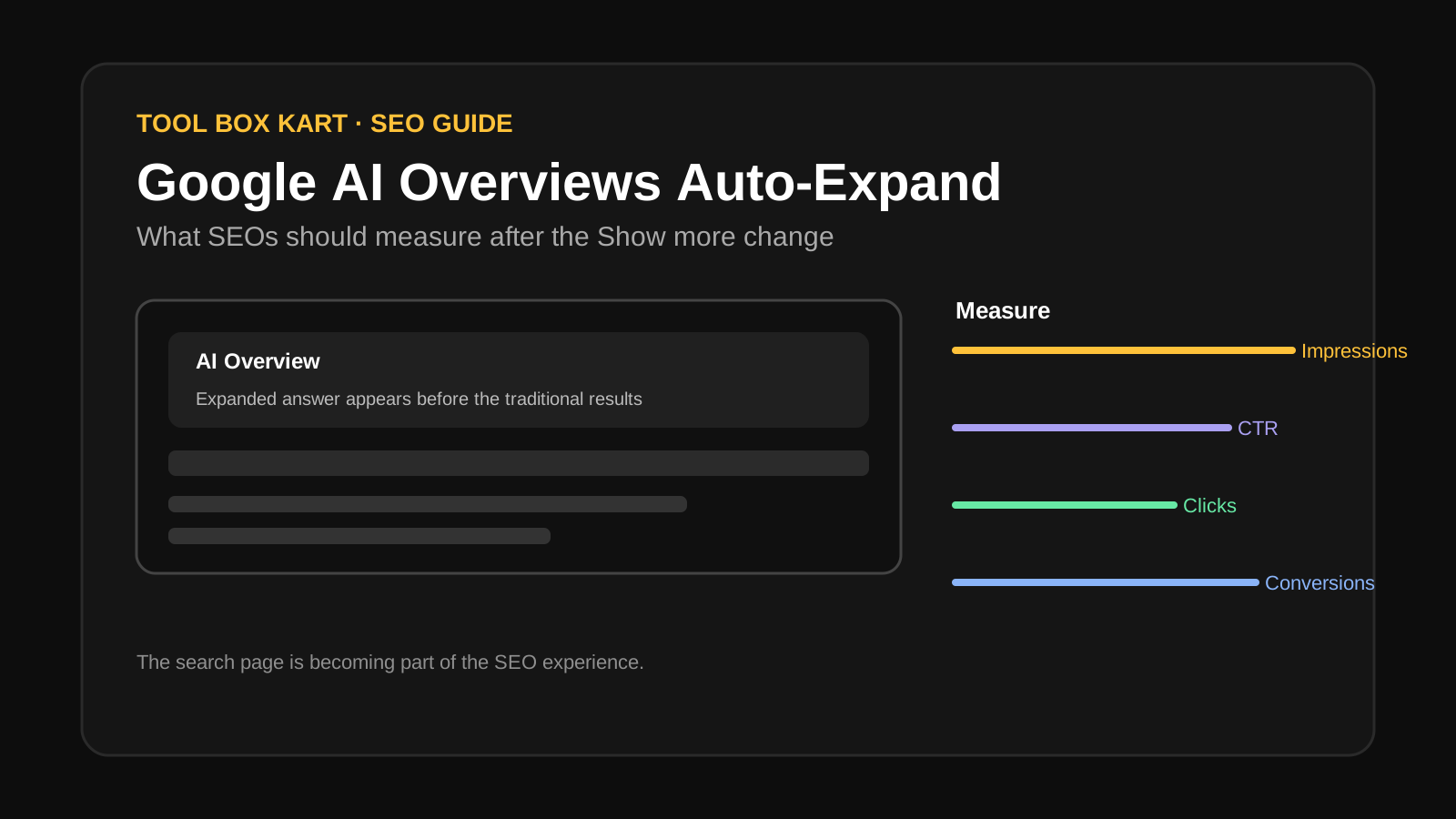
What changed in Google AI Overviews?
Google is testing a search experience where the AI Overview can open in a fuller form without the user first choosing a “Show more” action. The expanded answer can sit above an “Ask anything” field and the regular web results.
The change matters because screen space is limited. A longer AI answer can move traditional links farther down the page even when the underlying ranking order has not changed.
This is different from Google announcing a new ranking system. The reported behavior is about when and how the AI Overview is displayed. That distinction should shape how you investigate traffic changes.
Why does auto-expansion matter for SEO?
SEO has always depended on more than ranking position. A result can rank well but receive fewer clicks if another search feature takes more attention above it.
AI Overviews make that effect easier to see. A user can get a useful answer without immediately opening a traditional result, while source links can still provide a path to websites that add more detail.
Google's broader AI Search direction also matters. Google has been adding conversational and agentic features to Search, so the result page is becoming more interactive rather than remaining a simple list of blue links.
Is this a ranking change or a layout change?
For now, treat the auto-expansion report as a layout and SERP-feature change unless your own data shows evidence of a ranking movement.
For example, if a page stays around the same average position but CTR falls for a query group, the first question should be whether the search page changed. Do not immediately assume that Google pushed the page down.
Likewise, if impressions rise while clicks stay flat, more visibility does not automatically mean more traffic. The page may be appearing more often while users interact with an AI feature before reaching the link list.
Which SEO metrics should you watch?
Use at least seven signals. None should be treated as a complete answer on its own.
| Metric | What to look for | Why it matters |
|---|---|---|
| 1. Impressions | Changes for affected query groups | Shows whether search visibility is changing. |
| 2. Clicks | Traffic change after the layout shift | Shows whether visibility turns into visits. |
| 3. CTR | CTR movement without a matching position change | Can reveal changes in click behavior. |
| 4. Average position | Position before and after the change | Helps separate ranking movement from SERP-layout effects. |
| 5. Conversions | Leads, sales or other key outcomes | Shows whether organic search still produces business value. |
| 6. Query groups | Informational, commercial, branded and other intents | Different search intents can react differently to AI features. |
| 7. Page-level trends | Which pages gain or lose clicks | Shows where the change is concentrated. |
Do not read these metrics in isolation. The useful comparison is a matched set of queries and pages before and after the observed SERP change.
Why should you segment query groups?
AI Overviews do not affect every search in the same way. A broad informational query may invite a detailed AI answer, while a highly specific commercial query may still push the user toward product pages or other direct results.
Segment your Search Console data by intent, topic and business value. Branded queries should also be separated from non-branded queries because brand demand can hide changes in non-brand discovery.
You can use the Google Search Console Regex Generator to build query filters for question terms, long-tail searches and other groups. That makes it easier to compare the same query class over time.
What should SEOs do now?
1. Build a baseline before making changes
Save current clicks, impressions, CTR and average position for important query groups. Without a baseline, it is easy to blame every traffic movement on AI Overviews.
2. Check the SERP before changing content
Look at the actual search results for important queries. Confirm whether an AI Overview is present, whether it is expanded, and where traditional results appear.
3. Improve the source page, not just the snippet
Make the page useful enough to deserve a visit after a user sees an AI answer. Add original information, clear explanations, evidence, strong internal links and useful supporting details.
4. Keep structured data accurate
Structured data does not guarantee placement in an AI Overview, but accurate markup helps search systems understand entities and page types. Use the Structured Data Graph Viewer to inspect your JSON-LD before and after template changes.
5. Do not chase an unverified AI Overview trick
There is no reliable formula that guarantees selection as an AI Overview source. Be careful with claims that a particular word count, heading pattern or keyword density will make a page appear in AI answers.
6. Watch conversions, not only clicks
If AI-heavy SERPs reduce some informational clicks but the remaining visitors convert better, the business impact may be smaller than the traffic chart suggests. Measure the outcomes that matter to the site.
Google AI Overviews Auto-Expand FAQ
What changed with Google AI Overviews?
Google has begun automatically expanding AI Overviews on some searches when its systems decide the fuller result will be useful. The expanded experience can appear before the regular result list.
Does AI Overview auto-expansion mean rankings changed?
Not necessarily. Auto-expansion changes the search-result layout and the amount of content shown before traditional links. A ranking change is a separate issue and should be verified with query-level data and other evidence.
Which SEO metrics should I watch?
Track impressions, clicks, CTR, average position, conversions, query groups and page-level trends together. The goal is to see whether visibility or business outcomes changed when the SERP layout changed.
Should I change my SEO strategy because of auto-expanding AI Overviews?
Do not react to the layout change with a single AI Overview optimization trick. First identify affected queries, then improve source quality, clarity, internal links, structured data and original information while measuring clicks and conversions.
Written by Deepak Parmar
Deepak Parmar is an SEO and AI-search specialist focused on technical SEO, content strategy, and search visibility.
He writes practical guides on Google Search, AI Search, AI tools, technology, and digital workflows.
Sources
- The Verge — Google further buries search results under AI mode, August 29, 2026
- Google Search — official AI Overview updates and product context
- Search Engine Roundtable — Google AI Overviews pushing searchers into AI Mode
Related on Tool Box Kart: Google AI Overviews Auto-Expand: What SEOs Need to Know and Google Search Console SEO Guide.