Caching can cut repeated model calls, lower latency and reduce spend when the same task is requested more than once. It can also return an outdated answer or expose one user’s result to another user if the cache key is too broad. A safe design starts by deciding which outputs are reusable, what makes two requests equivalent, and how quickly a result can become stale.
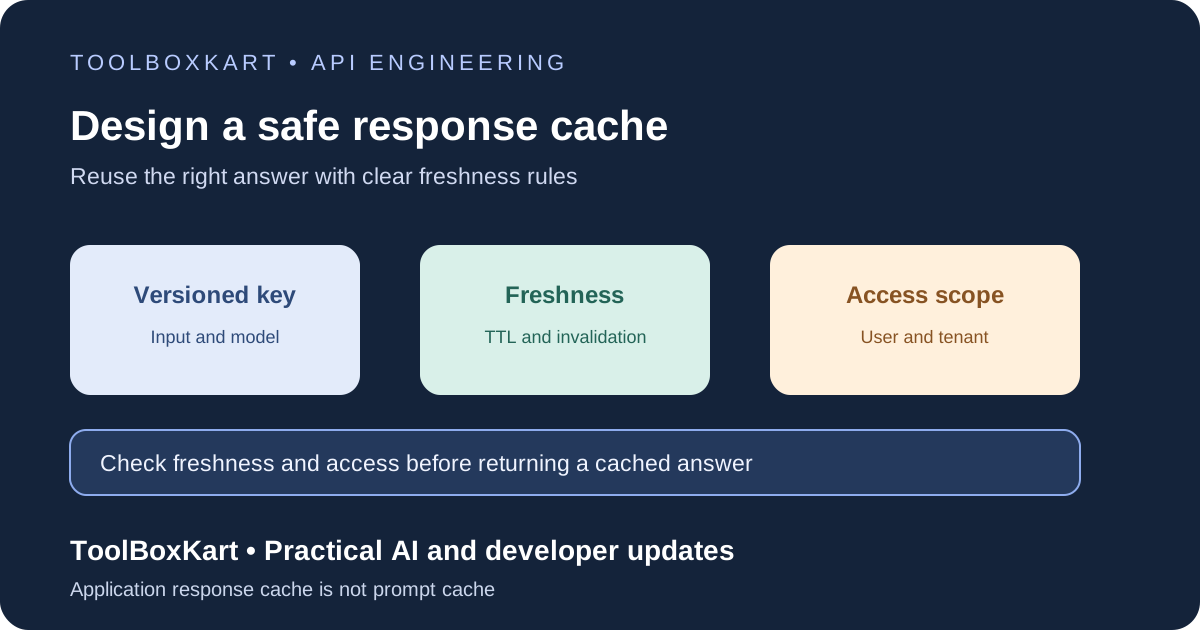
Separate response caching from prompt caching
Application-level response caching stores a completed answer for a particular request and may return that answer without calling a model again. Provider prompt caching is different: it reuses an eligible prompt prefix internally while the model still processes the request and generates a new response. OpenAI documents its provider-side behavior in the Prompt Caching guide, including prefix matching and cached-token reporting.
These approaches solve different problems. A response cache can avoid a model call when the application can safely reuse the whole result. Prompt caching can reduce the work associated with repeated input context, but it does not mean two different user questions receive the same answer.
Decide what is safe to cache
Good candidates include stable explanations, deterministic transformations, public documentation summaries with a known source version, and repeated requests whose inputs and expected outputs are identical. Be cautious with answers that depend on current prices, account state, inventory, news, private documents or other changing information.
For user-specific requests, a cache entry must be scoped to the user or tenant and the relevant access boundary. A result should never be served just because another user asked a similar question. For high-impact decisions or anything that needs current data, fetch and validate the source information at the time of use instead of trusting an old generated answer.
| Request type | Default approach | Reason |
|---|---|---|
| Deterministic transformation | Cache by normalized input and implementation version | The same input should produce the same result. |
| Public reference answer | Cache with a documented TTL and source version | The source can change, so freshness matters. |
| Private user or tenant data | Cache only with strict access scoping, or do not cache | A key collision can expose the wrong result. |
| Live information or an external action | Usually bypass the answer cache | The answer may be stale or the action may have side effects. |
Build a cache key from every meaningful input
A cache key should change when any factor that can change the answer changes. Common fields include normalized user input, model or provider version, system-prompt version, output-schema version, locale, tool configuration, retrieval-index version and a tenant scope. If retrieval uses documents, include the relevant document version or a stable content hash where practical.
Do not put raw prompts or private content into a cache key that may appear in logs. Instead, serialize a canonical representation of the relevant fields and hash it. The key still needs a clear version prefix so you can invalidate old entries when your schema or behavior changes.
Choose TTL and invalidation rules based on the source
A time-to-live (TTL) limits how long an entry remains eligible for reuse. Short-lived answers can use a small TTL; stable reference material can use a longer one. The right duration depends on how quickly the underlying facts change and how harmful a stale result would be. There is no universal TTL for all AI responses.
Use explicit invalidation when the source changes before the TTL expires. A new document version can invalidate entries generated from the previous version. A prompt or schema change can bump the cache version. A change in access rights should make old entries unavailable to users who no longer qualify to see the source data.
HTTP caching provides useful terms for public web responses: Cache-Control controls freshness and storage behavior, while validators such as ETag can help a client recheck whether a representation changed. The same general idea applies to AI applications, but an internal model-response cache needs its own key and access rules. See MDN’s HTTP caching guide.
Prevent cross-user and cross-version reuse
Partition private cache entries by tenant and access scope. Do not rely only on a conversation ID if users can share or continue conversations under different access rights. Before returning a cached answer, confirm that the current user is still allowed to see the underlying data. A cache hit must not bypass authorization.
Keep private cache storage access-controlled, apply retention limits and avoid storing secrets or unnecessary personal information. If a model response contains an action proposal, check the current state and permissions before acting on it. Do not replay a cached proposal as if it were a fresh approval.
Measure whether the cache is helping
Track hit rate, miss rate, stale-entry rejection, invalidation count, average latency saved, storage cost and the rate of users receiving an outdated or mismatched answer. Also compare answer quality for cached and uncached requests. A high hit rate is not success if the system frequently returns the wrong result.
Start with a small allowlist of cacheable request types. Run the same test cases with caching on and off, including changed prompt versions, changed source documents, tenant boundaries and access changes. Only expand the allowlist after those checks pass. For provider-side prompt caching, measure cached tokens and cache writes separately from application response-cache hits.
To estimate the cost impact of repeated and failed requests, see our LLM API cost-per-task guide. For provider errors that should not be hidden by a stale result, see our retries and fallbacks guide.
Frequently asked questions
Should every LLM response be cached?
No. Cache only when the request inputs, source freshness and access scope make reuse safe. Live or highly personalized answers often need a fresh data lookup.
Is prompt caching the same as storing a model response?
No. Prompt caching reuses eligible input context inside the provider’s processing. Application response caching stores a completed answer and may avoid another model call.
How do I invalidate cached answers after a prompt change?
Include a prompt or cache version in the key, or remove entries tied to the old version. Test the change before relying on it in production.