When an application expects JSON from a language model, valid syntax is only the first check. The output may parse and still miss a required field, use an unsupported status, contain the wrong unit or refer to a record that does not exist. Validate it in layers before the rest of your application relies on it.
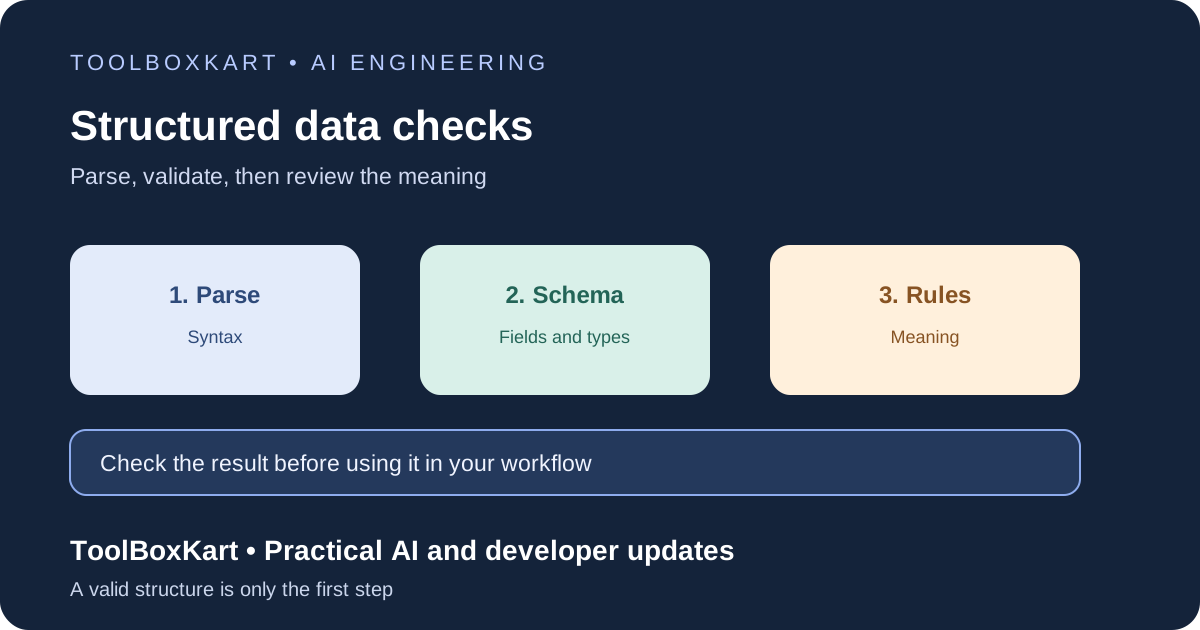
Use three validation layers
| Layer | What it checks | Example failure |
|---|---|---|
| Syntax | Can the text be parsed as JSON? | A missing comma or incomplete object |
| Schema | Does it match the required fields and types? | A missing field or number returned as text |
| Business rules | Does the data make sense for this task? | An unknown record ID or impossible date range |
Keep these checks separate in your logs. Parsing errors point to formatting or truncation. Schema errors point to the output contract. Business-rule failures mean the response may be well-formed but unsuitable for the task.
Prefer structured outputs when available
Some model APIs support structured outputs that constrain a response to a supplied JSON Schema. OpenAI’s Structured Outputs guide documents schema-based output and strict mode for supported schemas. This is more reliable than asking for “JSON only” in a plain text prompt.
Provider constraints still have limits. A response can be refused or incomplete, and a schema cannot prove that a customer exists or that a status is correct. Treat the provider feature as the first layer, not final approval. Keep the schema small and focused on the fields the next step needs.
Design a narrow schema
For ticket triage, the schema might require a category, priority and short reason. The category could be limited to billing, technical, account or other; priority could be low, normal or high; and the reason could have a short character limit. Mark required fields, define their types and reject extra keys when your provider and validator support that rule.
Enums reduce the number of values your application must handle. Length limits prevent fields from becoming unbounded text. Check which JSON Schema features your provider and validator support before relying on a keyword. A small contract is easier to test than an object with dozens of optional fields.
Validate on the server
Parse model output inside a server-side function, then validate the resulting object with a JSON Schema validator such as Ajv for JavaScript. Do not rely on a browser check as the only validation step. The same contract should apply no matter which screen or service submits the request.
Keep the validator close to the API boundary. If several services consume the result, share a versioned schema or generate types and validation rules from one source so they do not drift apart. Reject unexpected keys when your schema supports it.
Check business rules after the schema passes
- Confirm that referenced customers, projects and documents exist and are available to the current user.
- Check date ranges, numeric limits, currencies and units.
- Allow only known status values and valid status changes.
- Check relationships between fields, not just each field in isolation.
- Re-check access before changing important records or sending a message.
A well-formed explanation is not proof that the result is correct. If a response affects a customer, money or an important record, use the same review and approval steps as any other application change.
Handle refusals and incomplete output
A response may be empty, refused, cut off by a token limit or interrupted by a network error. Check the provider status and finish reason before parsing. Treat these as distinct outcomes rather than silently turning them into an object.
For a low-risk task, one bounded repair attempt may help: send the validation error back and request a corrected object, then validate it again. Set a hard retry limit. For high-impact work, stop and request a human review instead of repeatedly asking the model to repair itself.
Test and monitor the contract
Useful diagnostics include schema version, model identifier, request ID, failure layer, error category, retry count and final outcome. Avoid storing full prompts or outputs by default when they may contain private details. If samples are needed for debugging, apply access controls, redaction and retention limits.
Run a fixed test set whenever you change the prompt, schema or model. Include valid data, missing fields, unexpected keys, wrong types, refusals, incomplete output and values that break business rules. Track schema-pass rate separately from task accuracy; one can improve while the other gets worse.
For surrounding reliability work, see our AI API retries and fallbacks guide and model evaluation workflow.
Frequently asked questions
Does valid JSON mean the answer is correct?
No. Syntax, structure and business correctness are separate checks.
Should every invalid response be repaired automatically?
No. One bounded repair may help with a low-risk formatting issue. Repeated repair loops add cost and delay.
Can structured outputs replace application validation?
No. Your application still needs to handle refusals, incomplete responses, schema limits and business rules.
Sources
- OpenAI API: Structured model outputs.
- Ajv: Getting started with JSON Schema validation.
- JSON Schema: Getting started.